Join us on Discord
Notes
Type notes on the Classic's keys and file them under Personal, Work or Private.
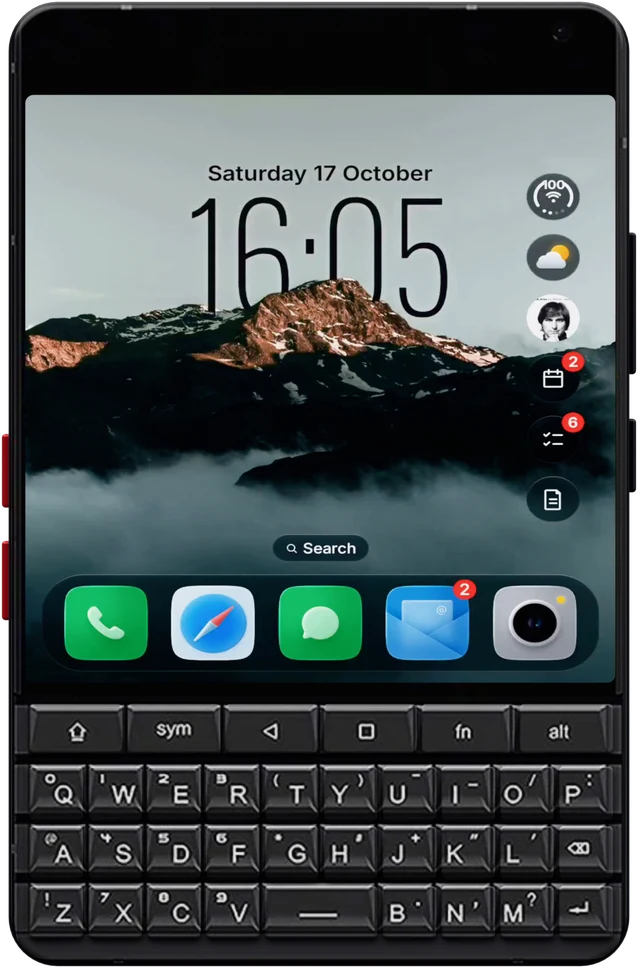
The Zinwa Q25 puts Android inside a BlackBerry Classic. Glass OS gives it a home screen to match: every message in one place, a keyboard that opens apps and adds to-dos, and a fresh liquid glass look.
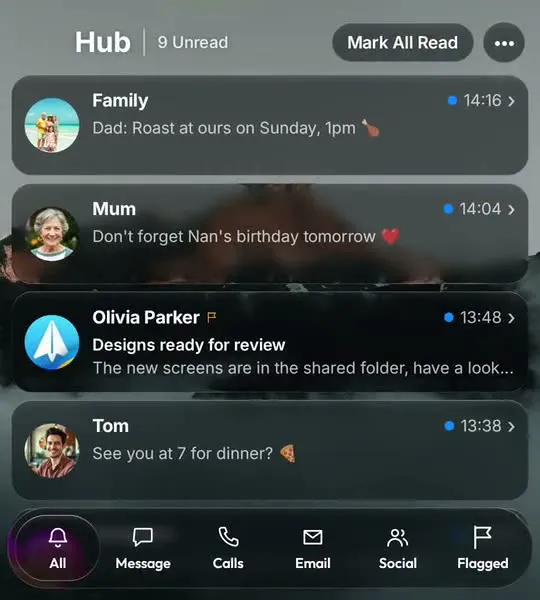
If you miss BlackBerry Hub, the Hub in Glass OS is the closest thing on Android. WhatsApp, Messages, email and calls in one list, and you reply on the keys.
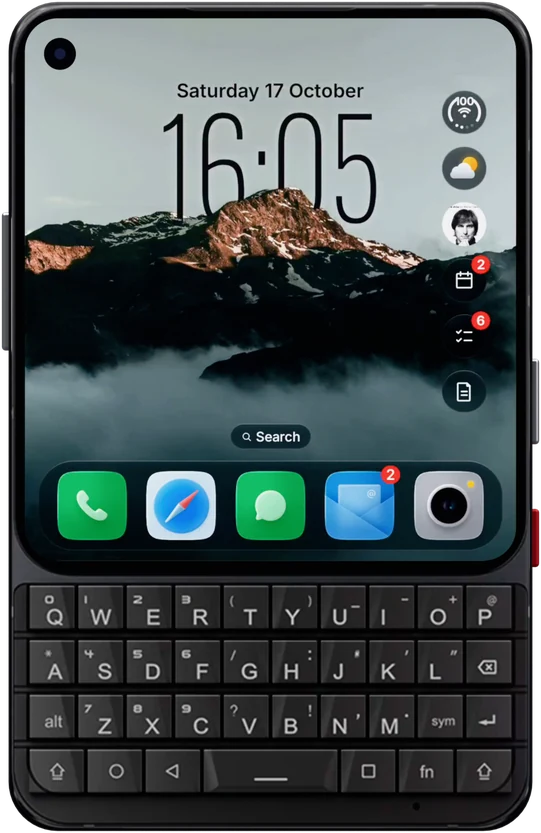
Glass OS is laid out for square screens above a keyboard, so the Zinwa Q25's 3.5 inch display gets a layout made for it.
Enter opens the app, sends the message or adds the item, everywhere. That one came from a Zinwa Q25 owner's email.
The Zinwa Q25 ships with Android 13, which is exactly what Glass OS needs.
If your Zinwa Q25 started life as a BlackBerry Classic, you'll remember how BlackBerry 10 worked: the Hub for every message, and the keyboard for everything else. Android on its own does neither. Glass OS puts both back.
Swipe right from the Home Screen for the Hub. Tabs sort your messages and you reply on the keys. On the Home Screen, typing searches your apps and symbols add to-dos, notes and events, so you're not hunting through icons on a small screen. The BlackBerry Hub alternative page goes into the Hub in more detail.
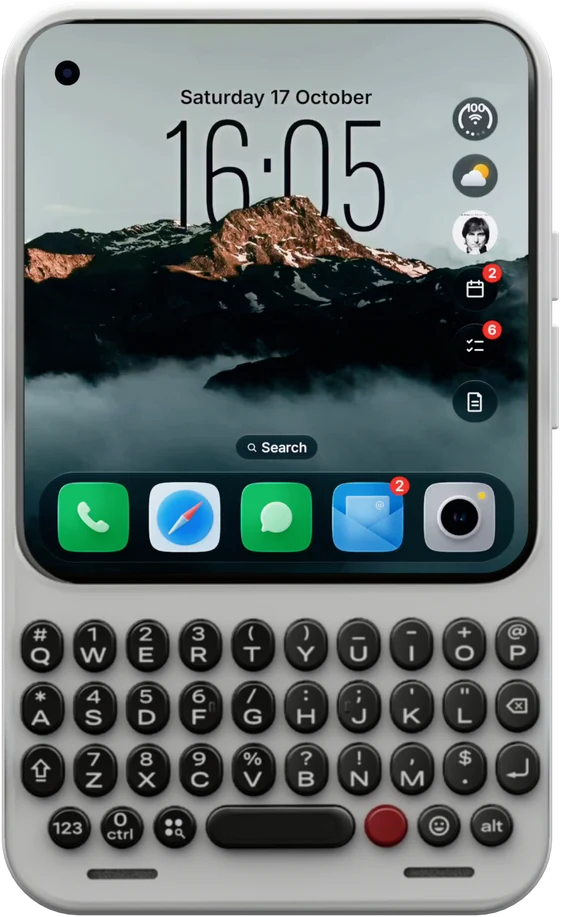
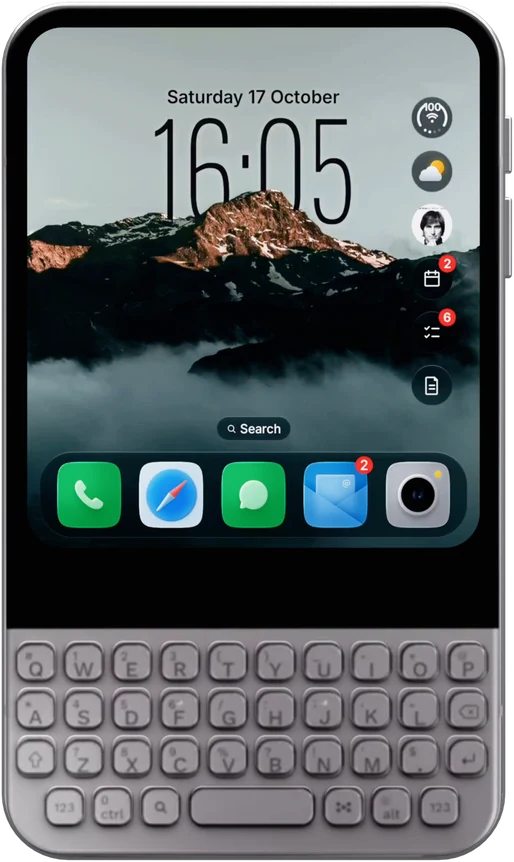
Coming from a Titan 2 or another keyboard phone? It's the same app on both, and one purchase covers every phone you own.
More about the phone is on Wikipedia.
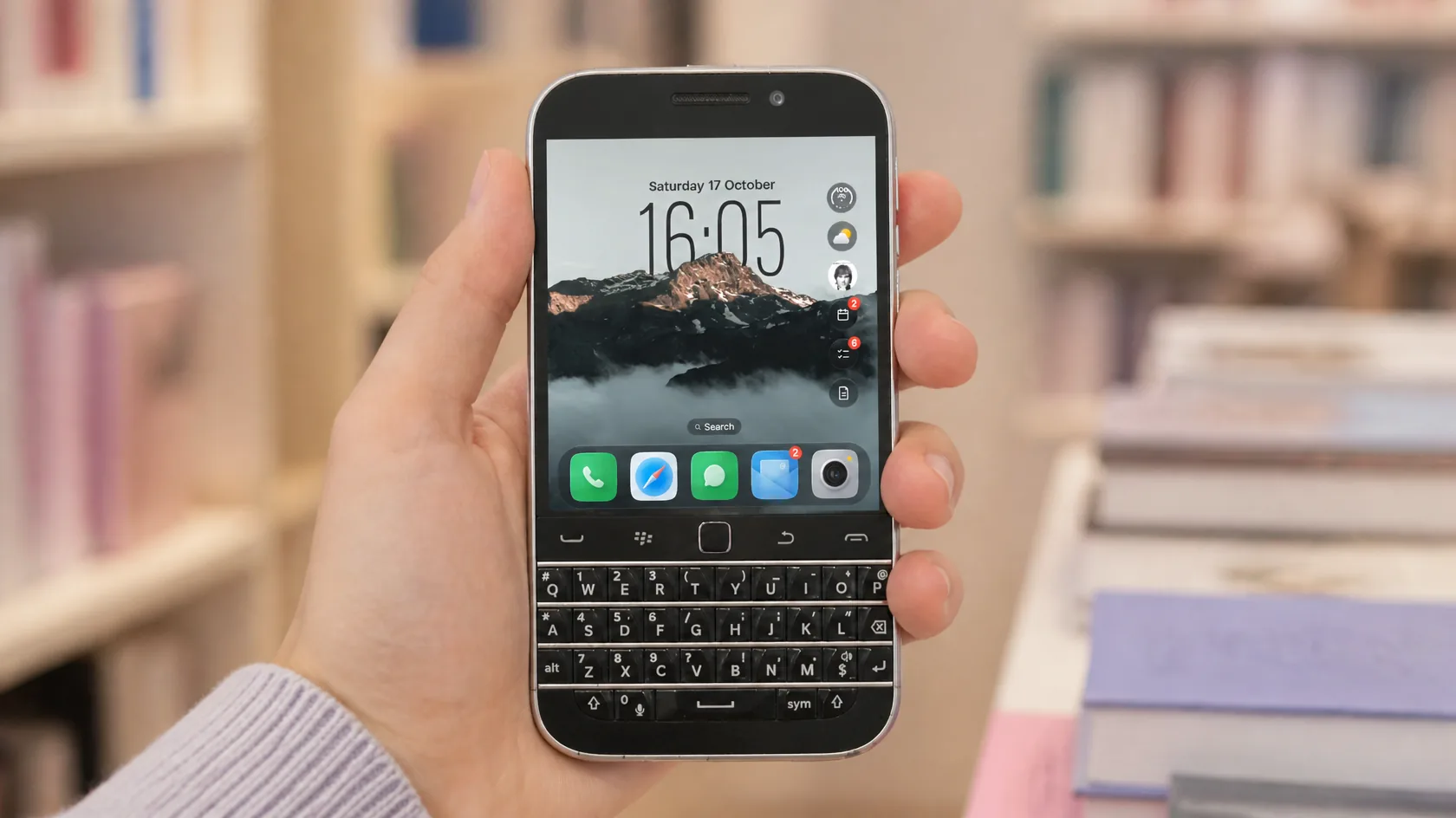
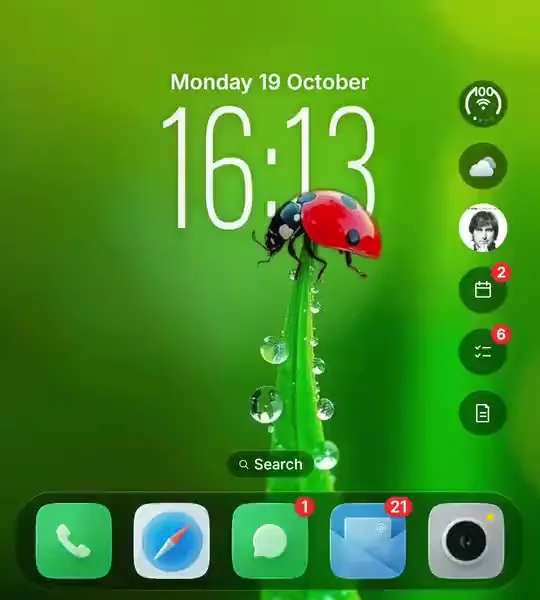
The Zinwa Q25's square display, given liquid glass, a depth clock and iPhone style icons.
On the Zinwa Q25's 720 by 720 screen the bubbles stay compact. Tap one and it opens out to fill the screen with the forecast or the rest of your day.
Folders and a glass dock keep the Zinwa Q25's pages tidy, and red badges show which apps have something new waiting.
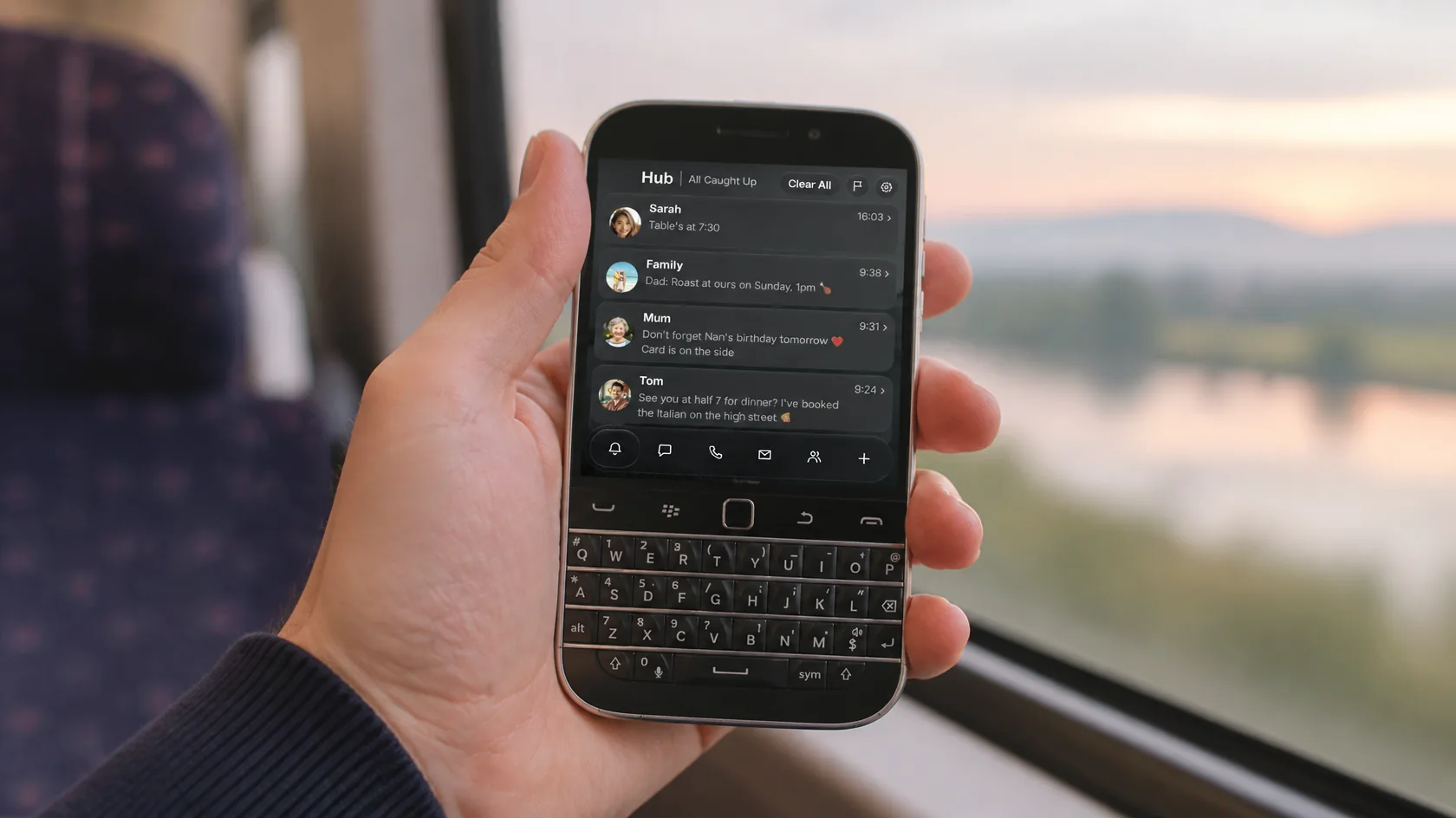
A Hub that BlackBerry fans will know at once, with replies typed on the Classic's keyboard.
Swipe right for every message in one list, with tabs for messages, calls, email and social. Read the whole thread and answer on the keys, just like on BlackBerry 10.
The Zinwa Q25's body is a BlackBerry Classic, but the screen doesn't have to look like one. Glass OS brings liquid glass, a depth clock and iPhone style icons to its square display.
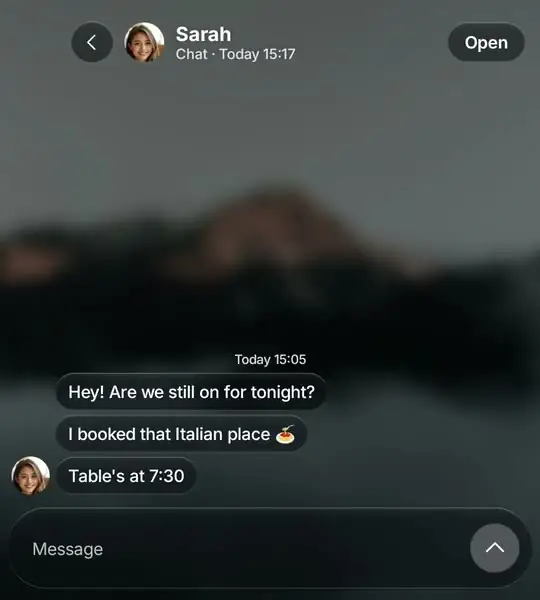
Tap a conversation, type your answer on the Zinwa Q25's keys and press Enter. It goes out through WhatsApp, Messages or whichever app it came from.
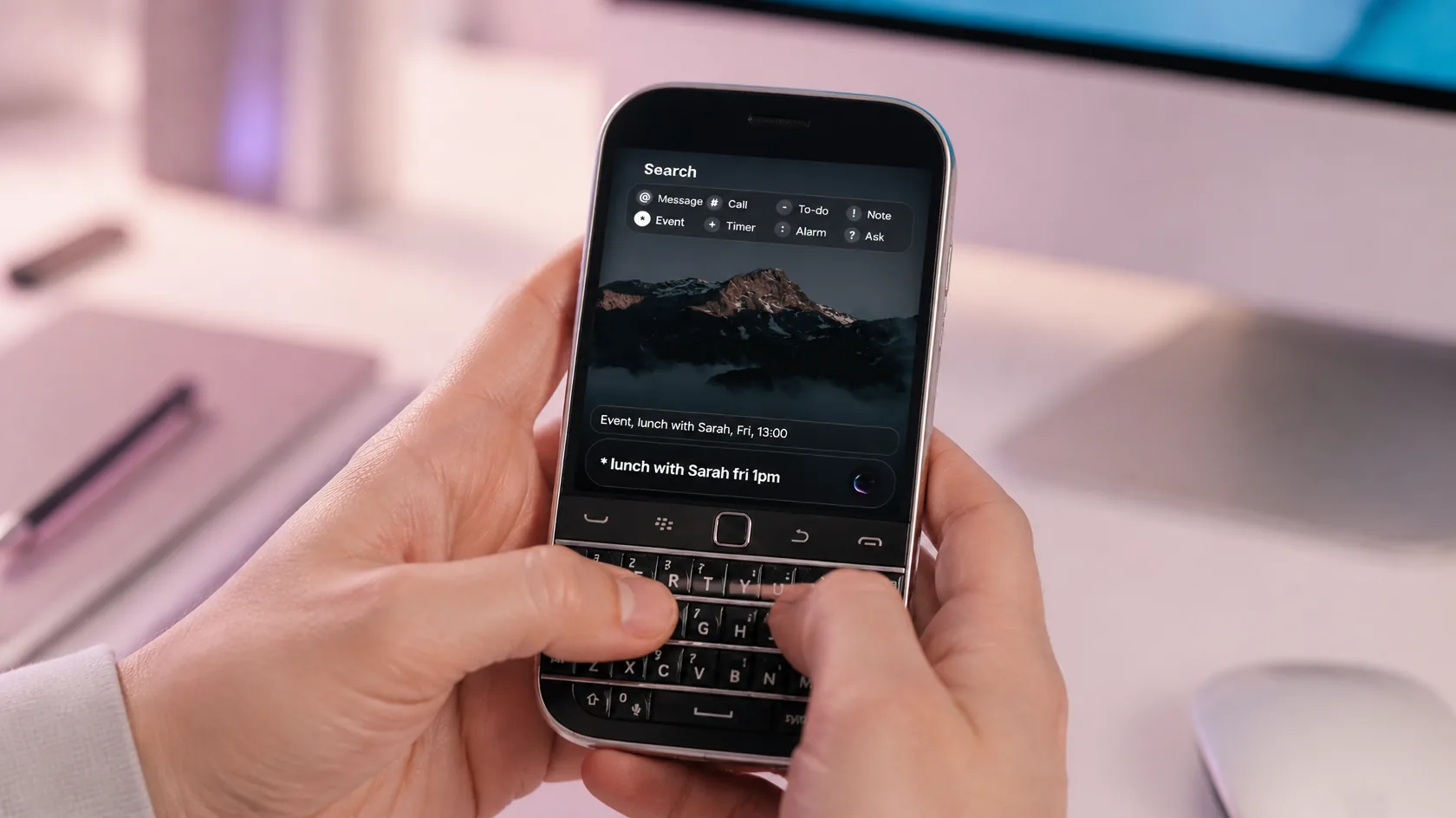
Use the Q25's keys to launch apps and add events, notes and to-dos in a single line.
Type on the Home Screen to find an app. Start with @ to message someone, # to call them, a dash to add a to-do or a star to add an event.
Like BlackBerry's own apps, but in glass, and all reachable from the keyboard. See every feature on the Glass OS home page.
Type notes on the Classic's keys and file them under Personal, Work or Private.
Add to the list by typing a dash on the Home Screen.
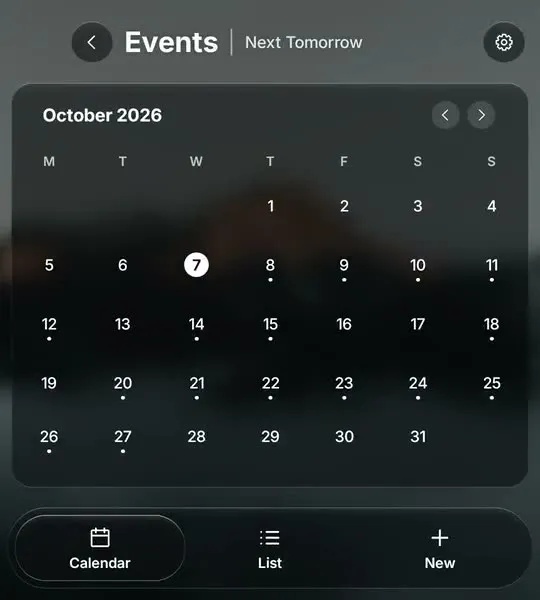
Your calendars in a month view that fits the square screen.
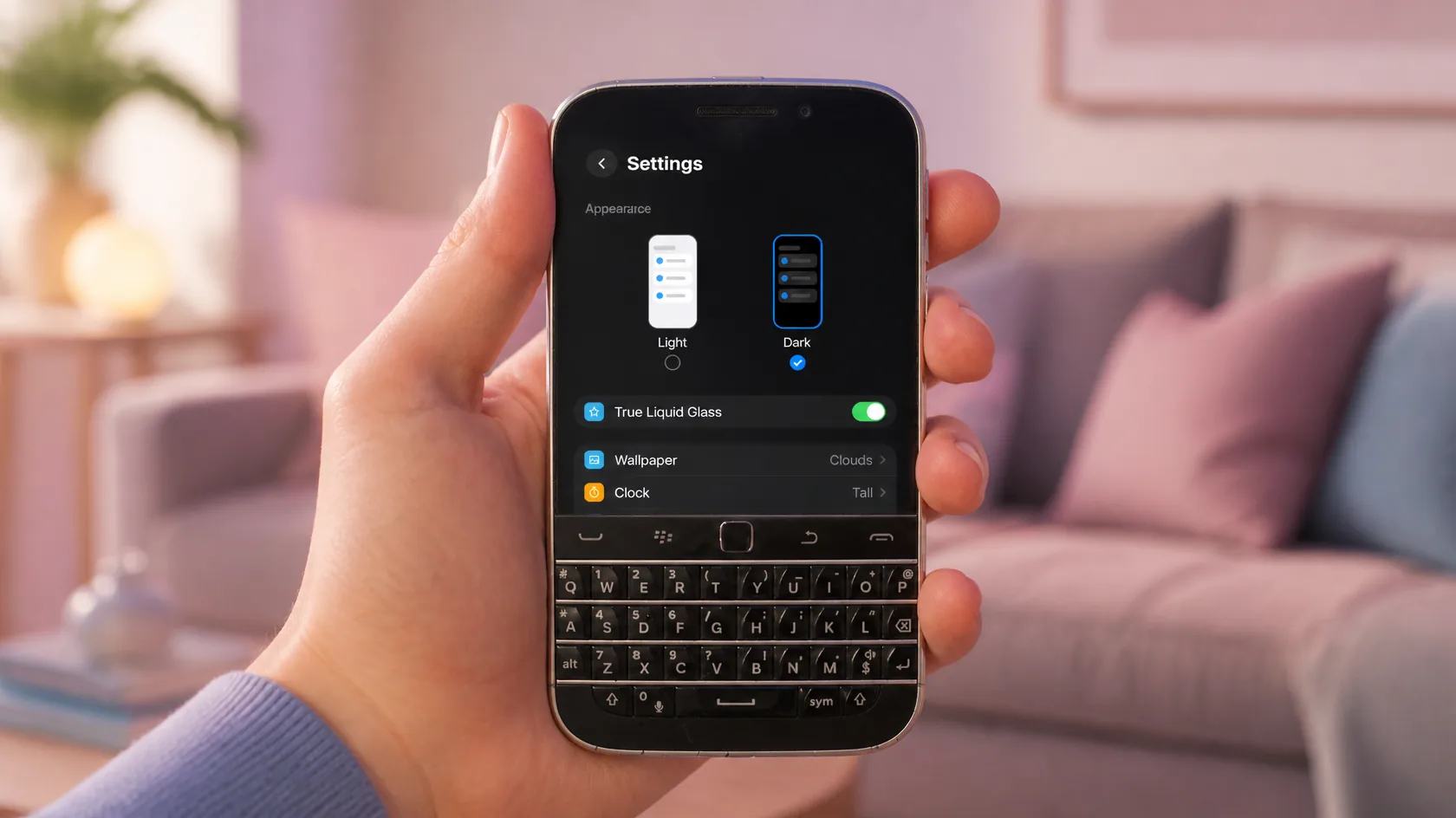
Give the Q25 your wallpaper, your clock and a new set of icons in minutes.
On the Zinwa Q25 the settings are one clear list. Pick dark or light, liquid or classic glass, then your wallpaper, clock and icons, all reachable with the keyboard and trackpad.
Give the Q25 a modern look with any Play Store icon pack, or go retro with something BlackBerry flavoured. One app can always have an icon of its own.
£4.99
One-off, with free updates. Runs on the Zinwa Q25 and any Android 13 phone.
Buy on Play StoreIt's not made by BlackBerry and it doesn't copy BB10, but it's built for the same way of working: keys first, with every message in one Hub.
Yes, Zinwa Q25 owners use it already. It needs Android 13 or later, which the Zinwa Q25 has.
Yes. Choose a different Home app in Android's settings at any time.
No. The original Classic runs BlackBerry 10, not Android, so it can't install Glass OS.
Glass OS isn't only for the Zinwa Q25. It runs on every Android 13 phone with a keyboard, and on touchscreen phones too.