Join us on Discord
Notes
Somewhere to put thoughts without opening a separate notes app.
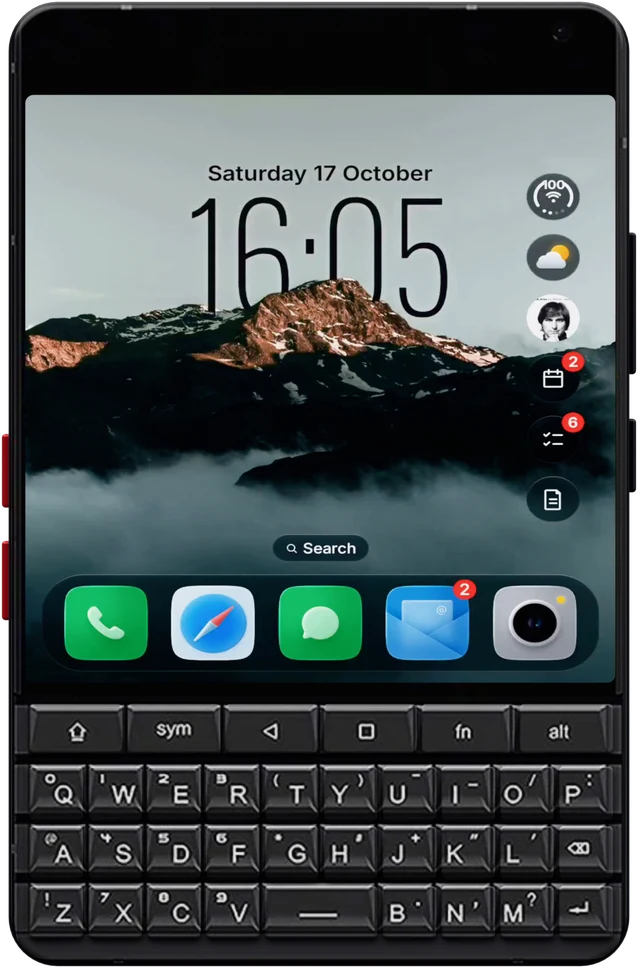
The Minimal Phone 2 swaps e-ink for a colour AMOLED screen above its QWERTY keyboard. Glass OS makes the most of both: liquid glass on the screen, and a keyboard that opens apps and adds your notes and to-dos.
The AMOLED screen is what makes the glass work. Panes bend the wallpaper behind them, and the dark theme looks deep black.
Type an app's name to open it, or start with a symbol to add a to-do, a note or an event without leaving the Home Screen.
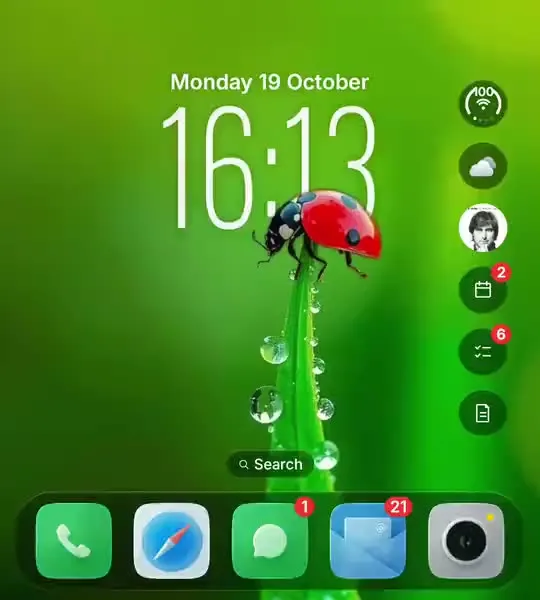
Hide any of the widget bubbles, hide the dock, or keep just the clock and the search bar for a calmer Home Screen.
No account, no ads and no analytics. Notes and messages stay on the phone, and backups are encrypted.
The Minimal Phone 2 is made for people who want to use their phone less, and Glass OS can be set up that way. Hide the dock and the widget bubbles and the Home Screen is just the time and a search bar. Everything else is a few letters away on the keyboard.
When you do want more, it's there. The Hub keeps your messages in one list, so you check them once instead of app by app, and Notes, To-do and Events are built in, so there's less reason to open other apps at all.
If you've been using a minimal list launcher, the Niagara comparison shows what's different, and the feature tour shows the rest.
Details of the phone are on The Minimal Company's site.
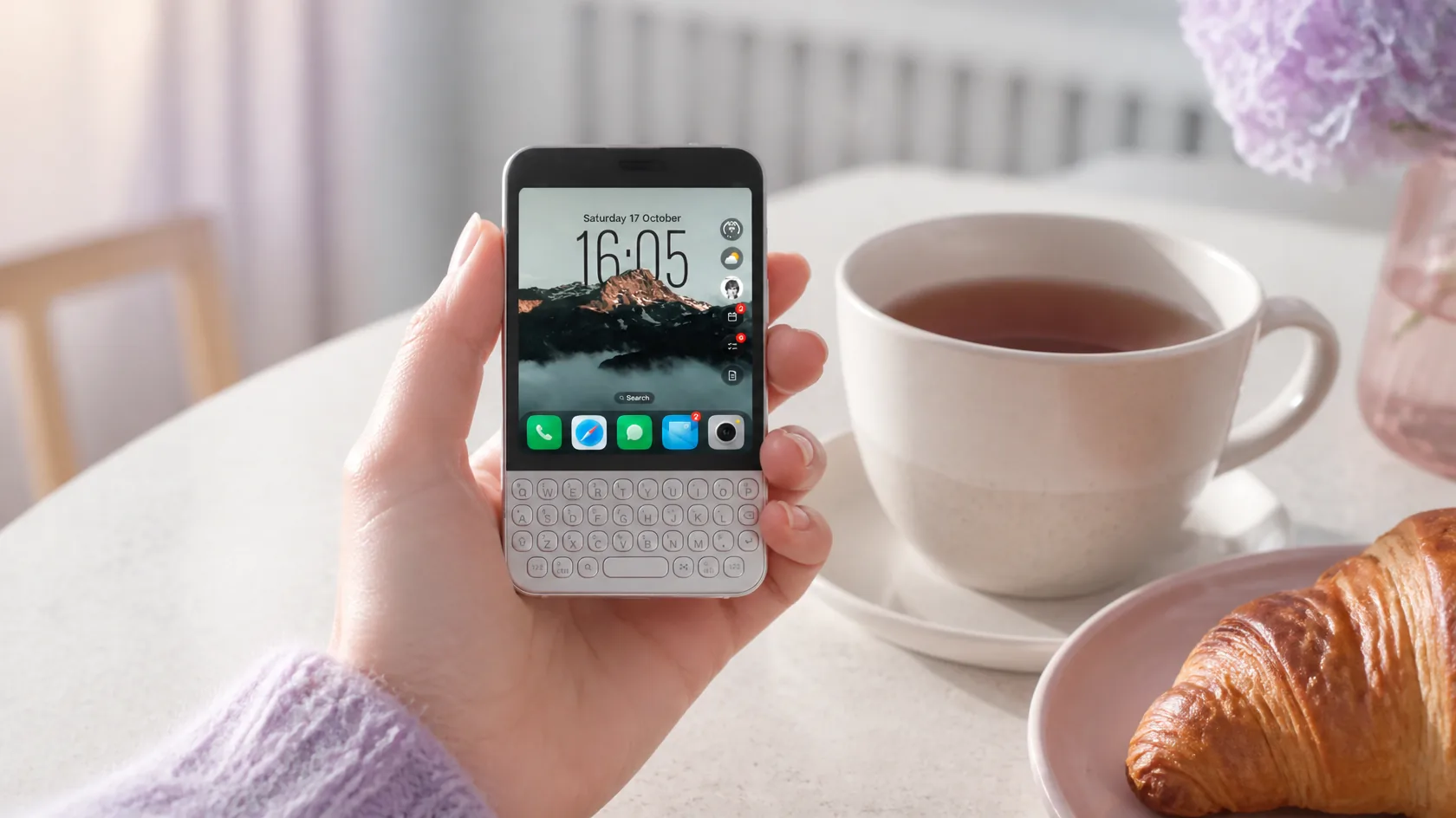
A quiet Home Screen for the Minimal Phone 2, with only the bubbles and apps you choose.
Pick a quiet wallpaper and let the time sit behind it. The tall clock style suits a Home Screen with very little else on it.
Weather, music, events, to-dos and notes each have a bubble, and every one of them can be hidden in Settings. Keep two of them, or none at all.
Put everything you rarely open into a folder or take it off the pages altogether, and keep a short dock of the few apps you need.
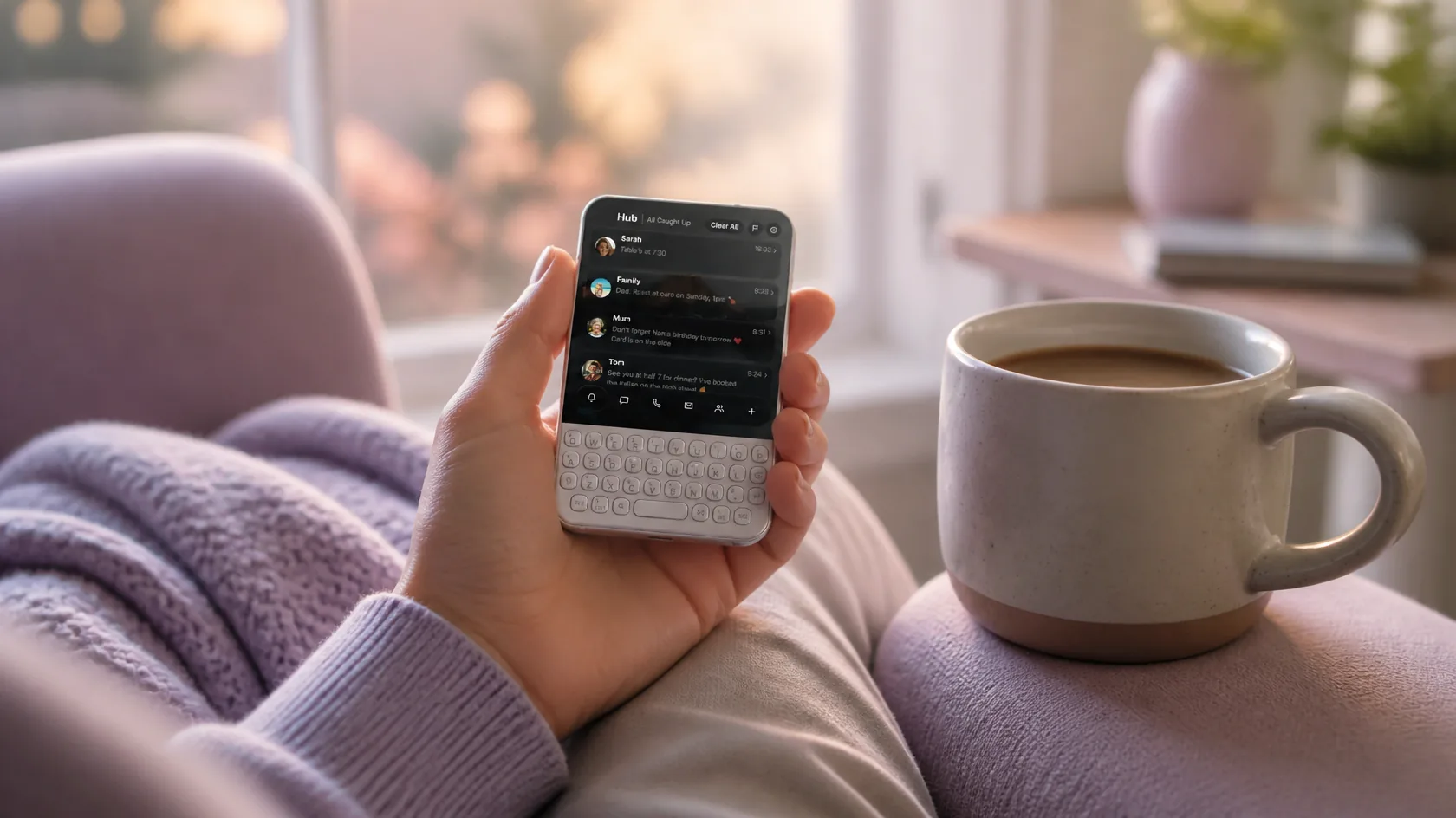
Catch up on everything in one sitting, then put the Minimal Phone 2 back in your pocket.
The Hub gathers everything into one place, so you can check it once and put the phone down. Clear what's dealt with in a swipe and flag what still needs an answer.
The Minimal Phone 2's colour screen is what makes the glass shine. Dark glass sits over true blacks, and if you'd rather keep things calm, classic glass is flatter and quieter.
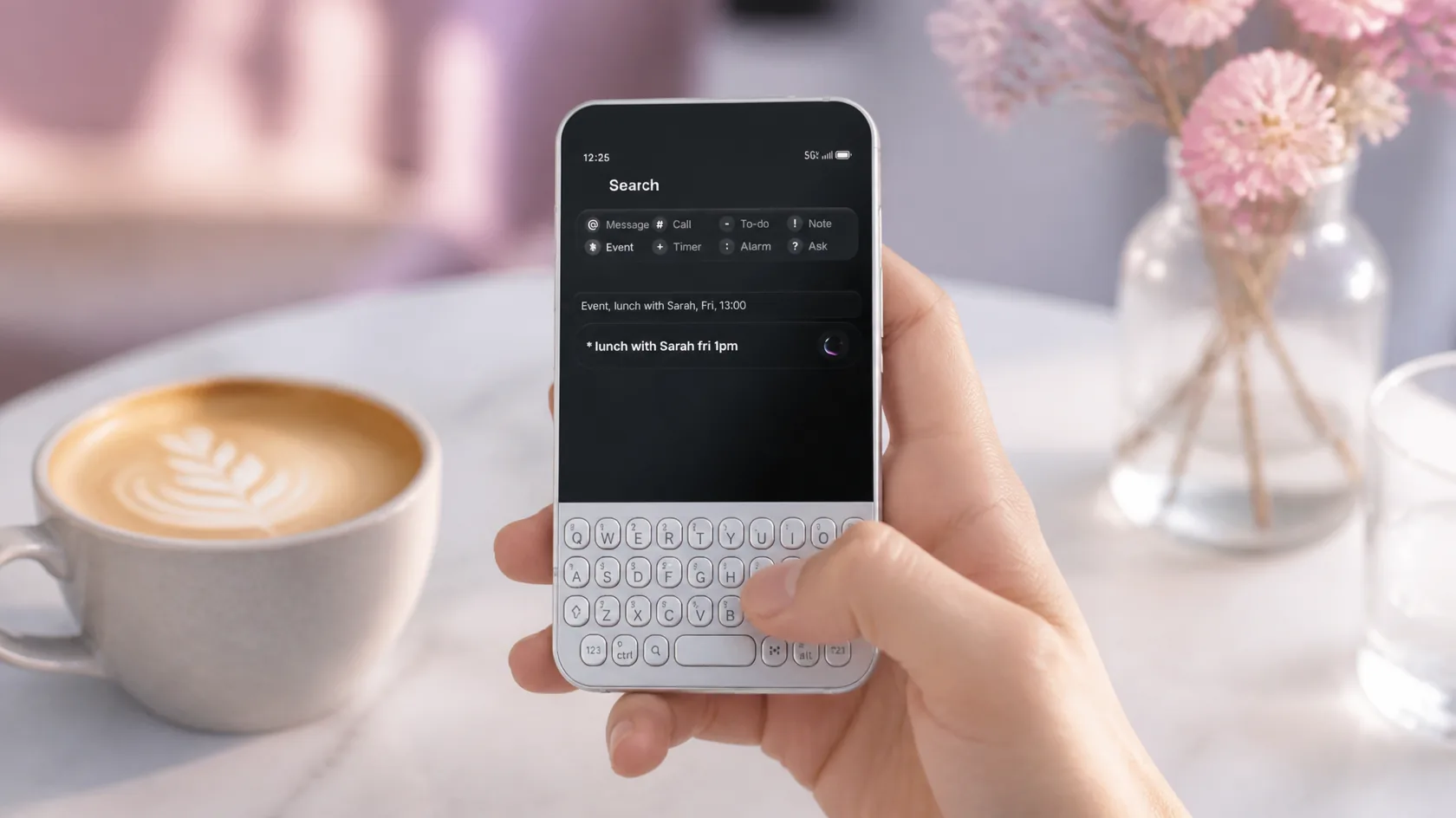
Skip the icon hunting and type what you want on those round keys.
Open apps by typing their names instead of scrolling through pages of icons. Add a note or a to-do from the Home Screen in one line and get on with your day.
Notes, To-do and Events come with Glass OS, which means fewer apps on a phone meant to have few. See every feature on the Glass OS home page.
Somewhere to put thoughts without opening a separate notes app.
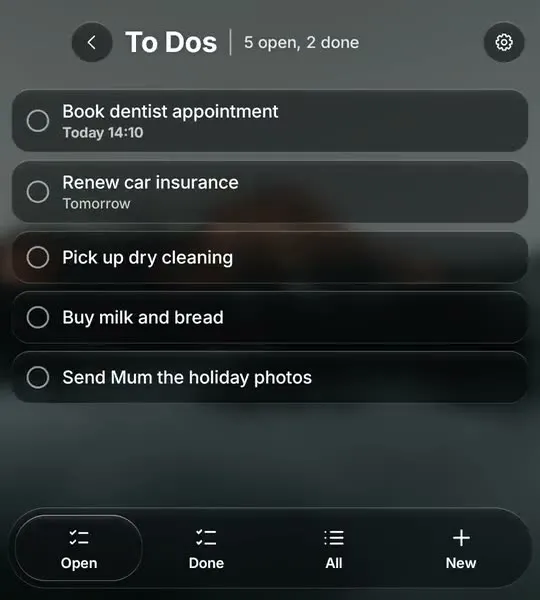
One short list of what needs doing, and nothing else.
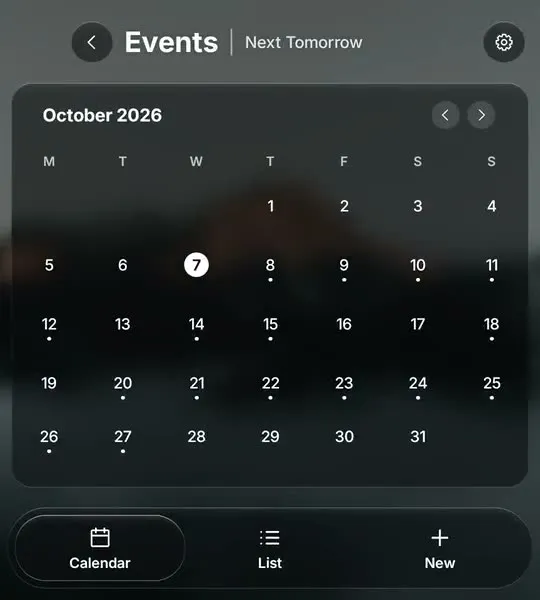
What's coming up, in a plain month view or a list.
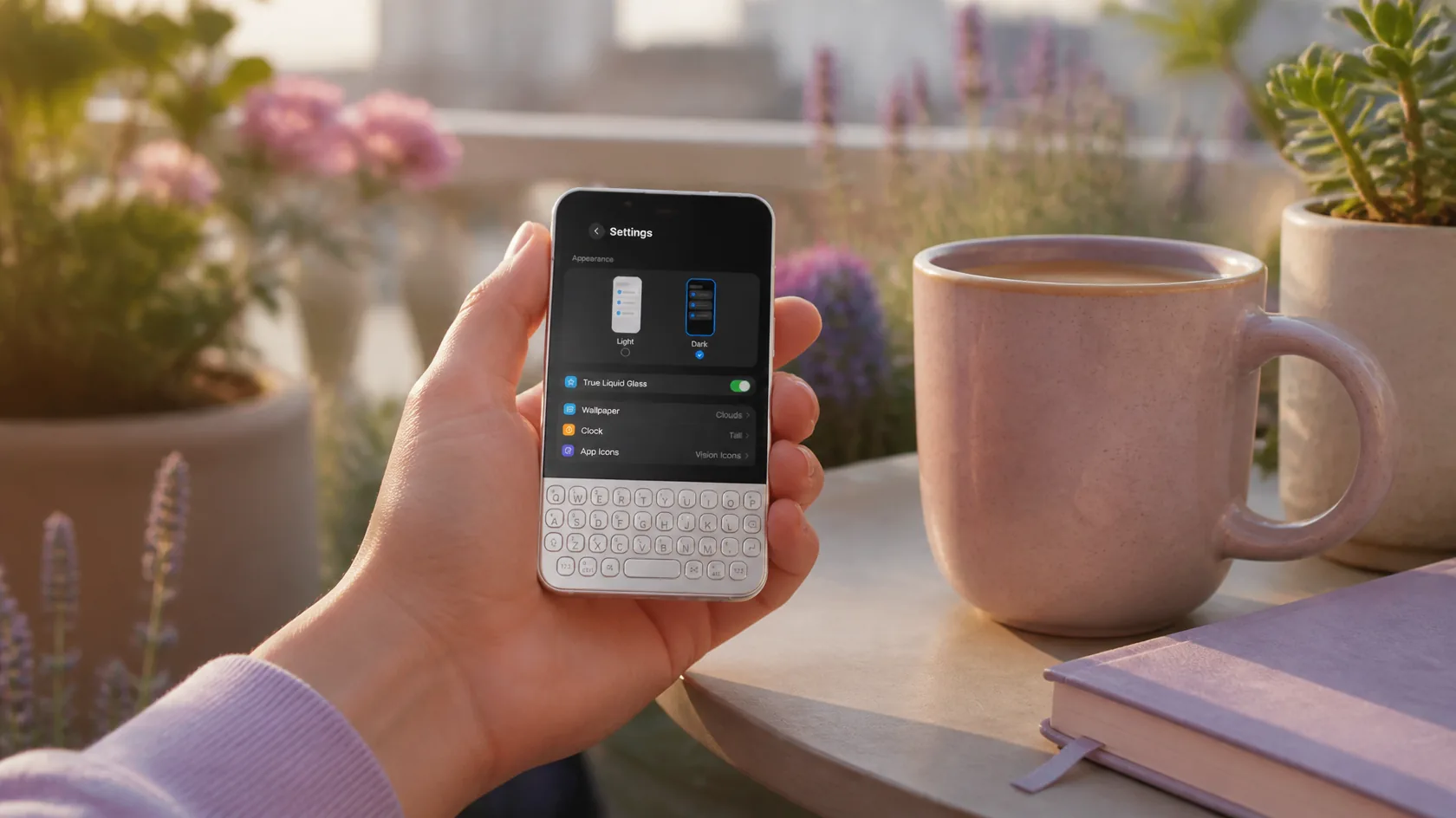
A few calm choices are all it takes to make the Minimal Phone 2 your own.
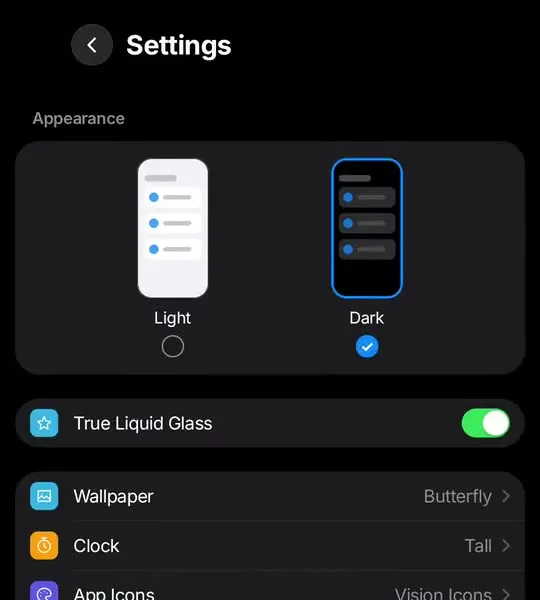
The Minimal Phone 2 is about less, and so are the settings. A short list covers the look, the wallpaper, the clock, your icons and the language, and nothing else gets in the way.
Choose a muted icon pack from the Play Store and the Minimal Phone 2's Home Screen turns quiet and consistent. Rename an app or give it a different icon whenever you like.
£4.99
One-off, with free updates. Runs on the Minimal Phone 2 and any Android 13 phone.
Buy on Play StoreIt needs Android 13 or later and a phone that lets you change the Home app. The Minimal Phone 2 runs Android underneath its own software, and Glass OS is made for keyboard phones like it.
It installs, but the glass effects and wallpapers are made for colour screens, so you'd want the classic look and a plain wallpaper on e-ink.
Yes. You can hide the dock and any of the widget bubbles, so the Home Screen is just the time, the date and the search bar.
No. It's £4.99 once and every update is free.
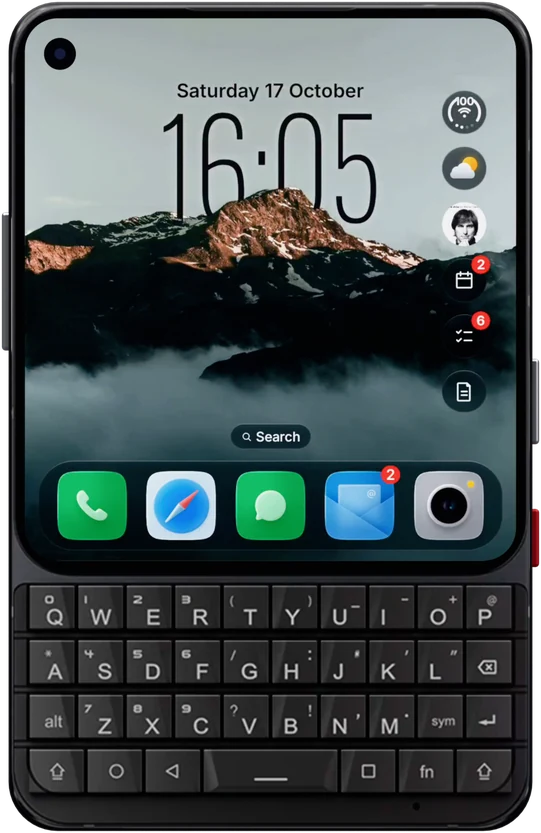
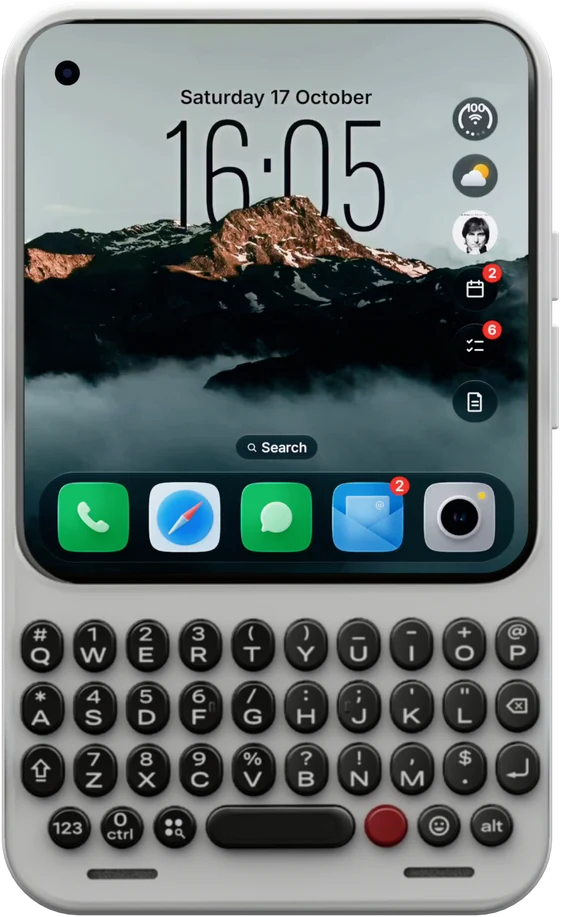
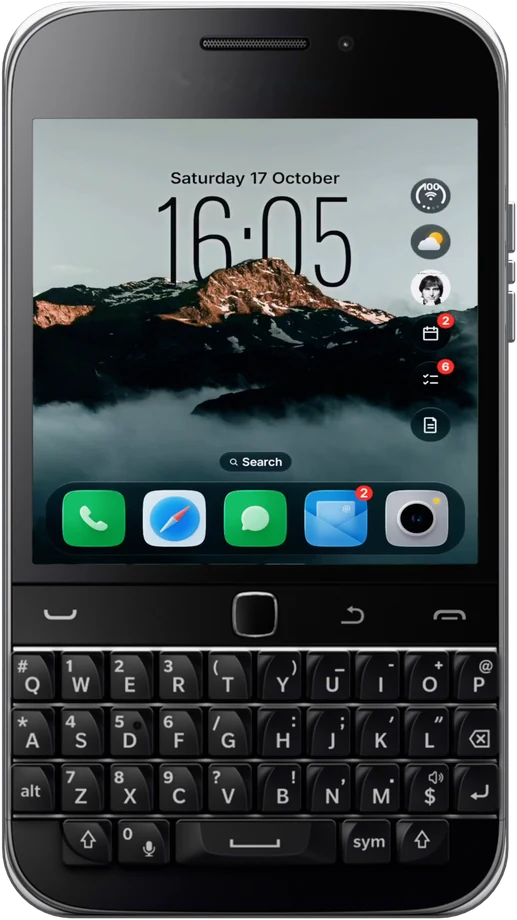
Glass OS isn't only for the Minimal Phone 2. It runs on every Android 13 phone with a keyboard, and on touchscreen phones too.