Join us on Discord
Notes
Notes with folders, formatting and a Private folder.
Niagara is a great launcher if you want as little on screen as possible. Glass OS goes the other way: real liquid glass, a clock behind your wallpaper, every message in the Hub, and notes, to-dos and events built in.
Niagara Launcher is one of the most popular minimal launchers on Android: one clean list of your favourite apps, with notifications shown beside them. It's good at getting out of the way.
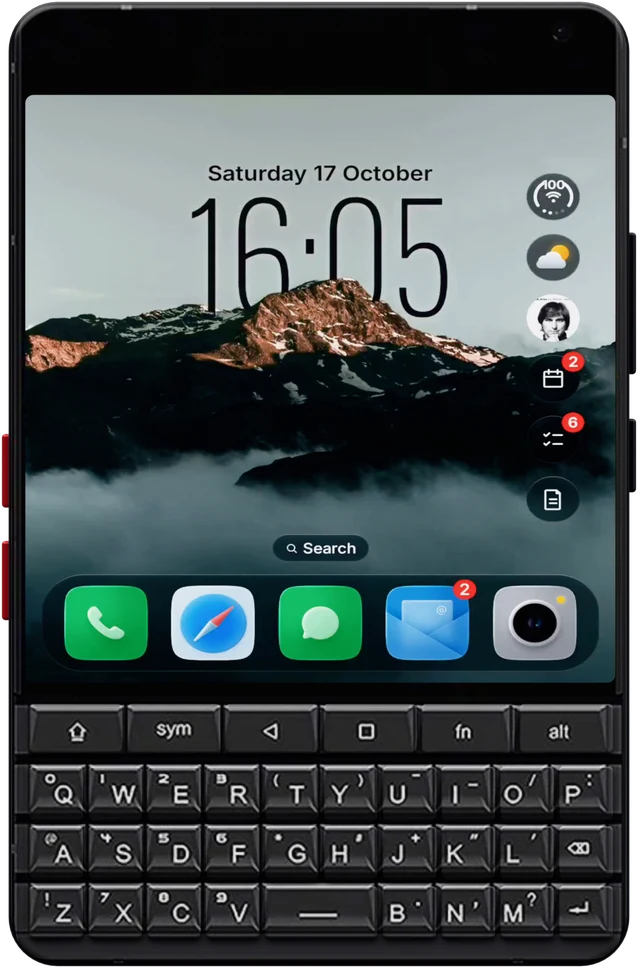
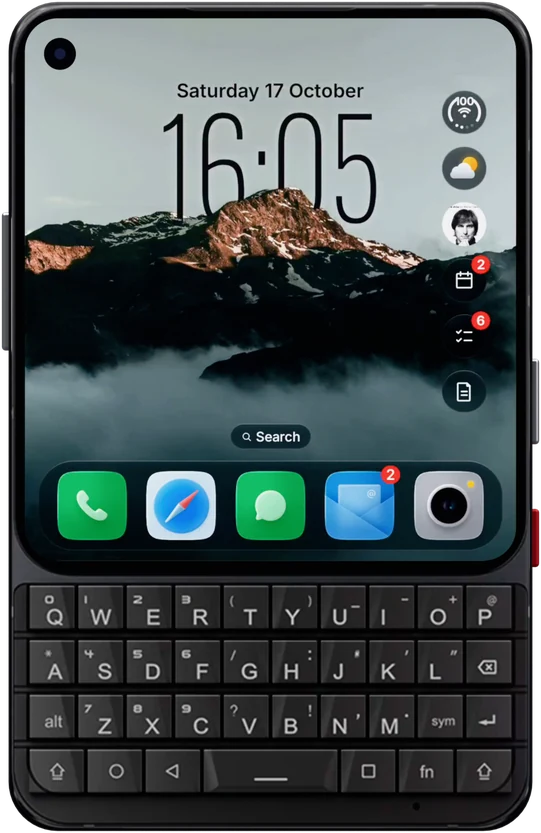
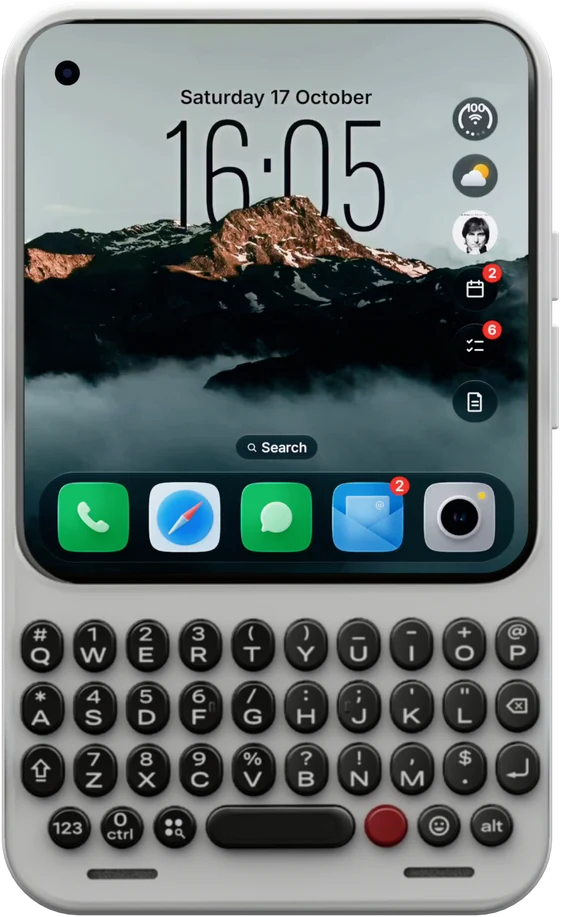
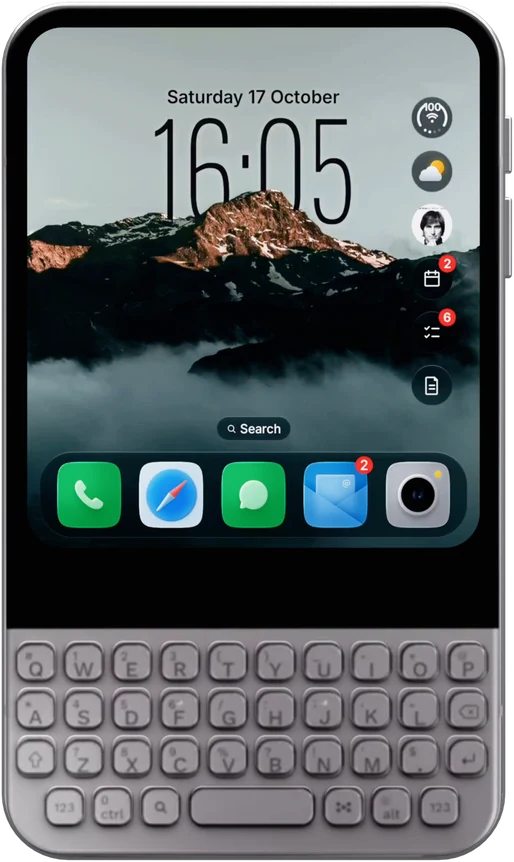
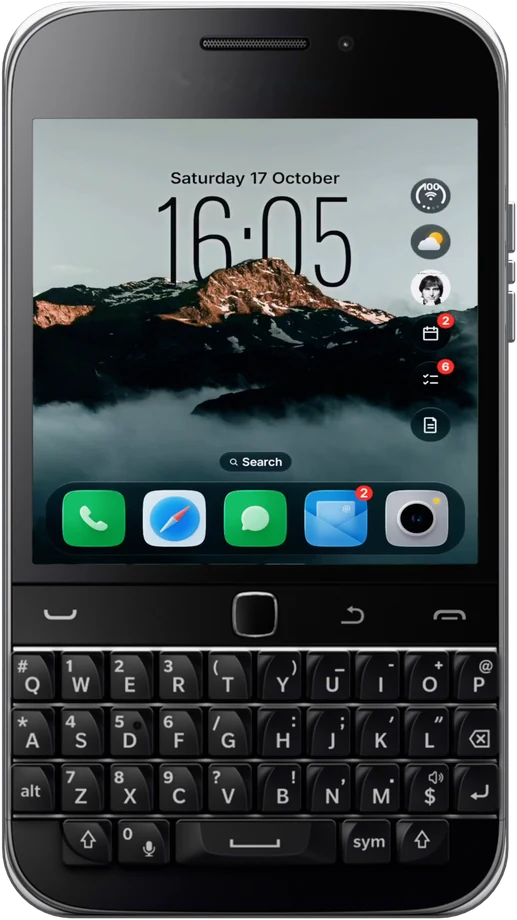
Glass OS is for people who want the opposite: the look of a new iPhone on their Android phone, every message gathered in one Hub, and notes, to-dos and events built in. It's made first for keyboard phones like the Titan 2, where typing on the Home Screen does everything, and it works on touchscreen phones too.
| Niagara Launcher | Glass OS | |
|---|---|---|
| The look | A clean vertical list of apps | Liquid glass panes, an icon grid, folders and a clock behind your wallpaper |
| Notifications | Shown beside each app in the list | The Hub: every message in one list with tabs, pictures and replies |
| Typing | Search your apps | Open apps, or add a to-do, note, event, message, call, timer or alarm in one line |
| Built-in apps | None | Notes, To-do and Events, in the same glass style |
| Widgets | A widget stack at the top with Pro | Glass bubbles for weather, music, events, to-dos and notes, plus any app's widgets on your pages |
| Keyboard phones | Works, but made for touchscreens | Made for keyboard phones like the Titan 2, and works on touchscreens too |
| Price | Free, with Niagara Pro as a subscription or a lifetime purchase | £4.99 once, every update free |
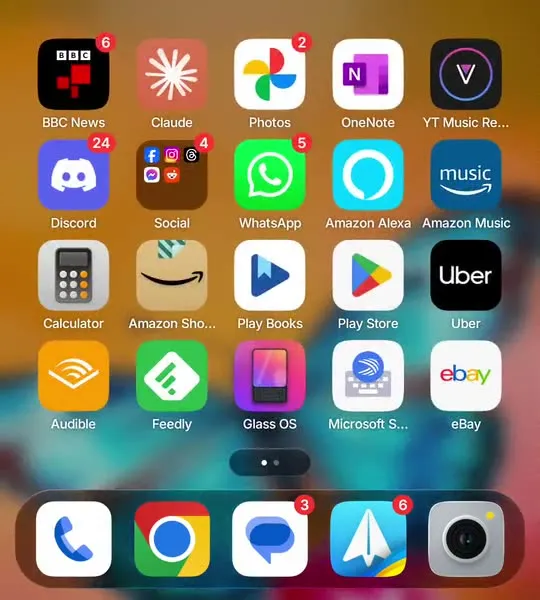
Glass OS has real refraction on every pane, iOS style folders and an icon grid, with any icon pack you like.
Niagara shows notifications app by app. The Hub puts them in one list you can read and reply to.
On a Titan 2 or a Zinwa Q25, typing on the Home Screen does everything, so the keys aren't wasted.
Glass OS is £4.99 once, with no subscription and no account.
Where Niagara shows notifications next to each app, Glass OS gathers them into the Hub: one list with tabs, contact photos and replies.
Start typing on the Home Screen. As well as finding apps, a dash adds a to-do, an exclamation mark a note and a star an event.
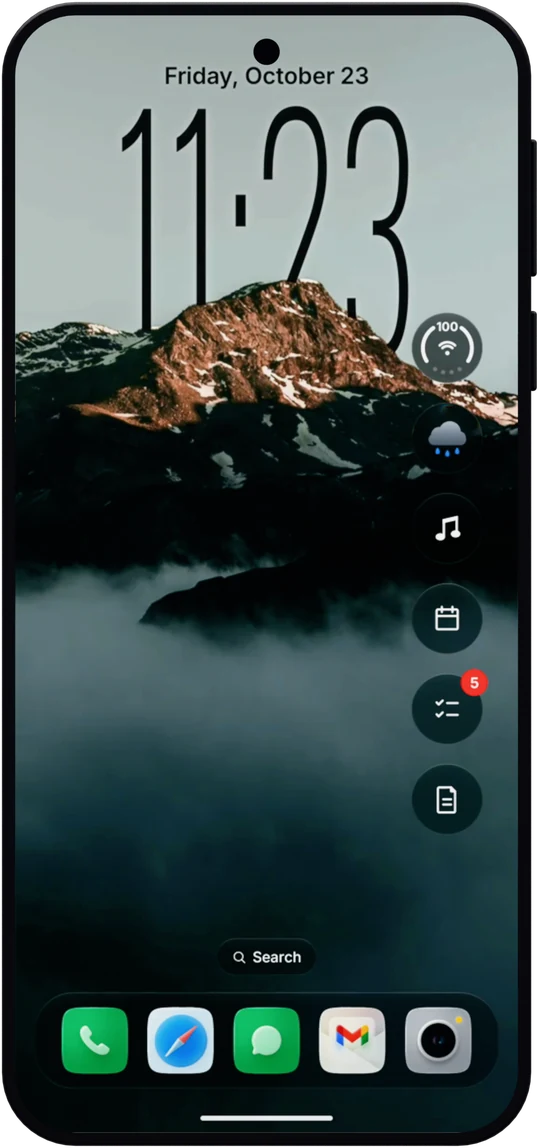
Instead of a stack at the top of the screen, Glass OS puts glass bubbles down the side that open into the weather, events, to-dos, notes and music.
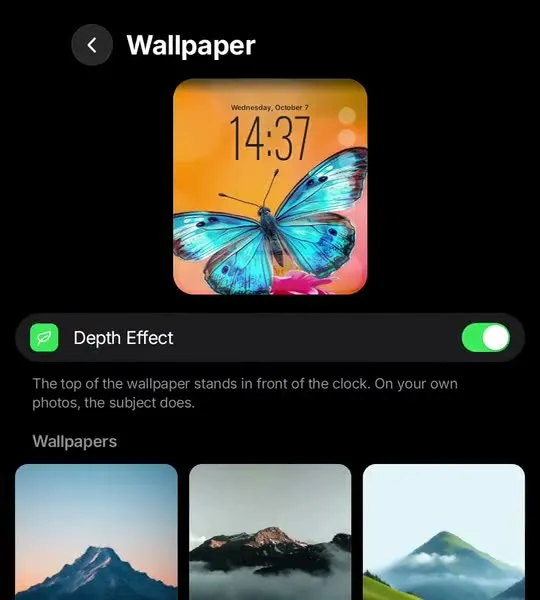
Niagara keeps the wallpaper quiet behind a list. Glass OS makes it the centre of things, with the clock slipping behind the subject of your picture.
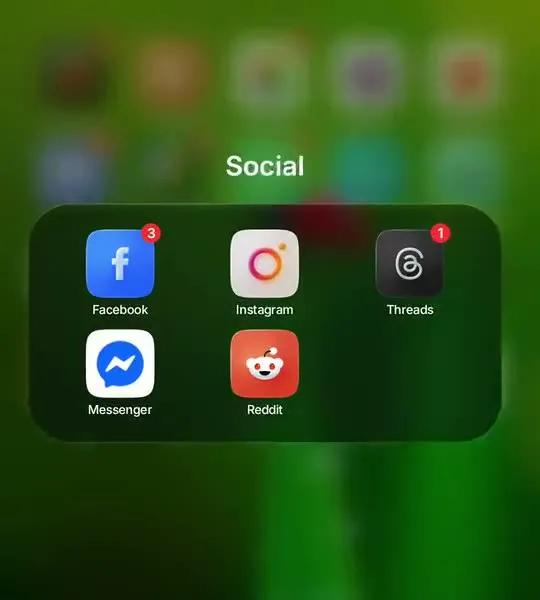
If you've missed a proper grid, it's here: icons with badges, folders that grow out of their icon and a glass dock along the bottom.
Theme, glass, wallpaper, clock, icons and what shows on the Home Screen, all in one Settings page. Hold any empty spot on the Home Screen to get there.
Glass OS has Notes, To-do and Events built in, in the same glass as the rest. See every feature on the Glass OS home page.
Notes with folders, formatting and a Private folder.
A to-do list you add to straight from the keyboard.
Your next events, and a month view of your calendars.
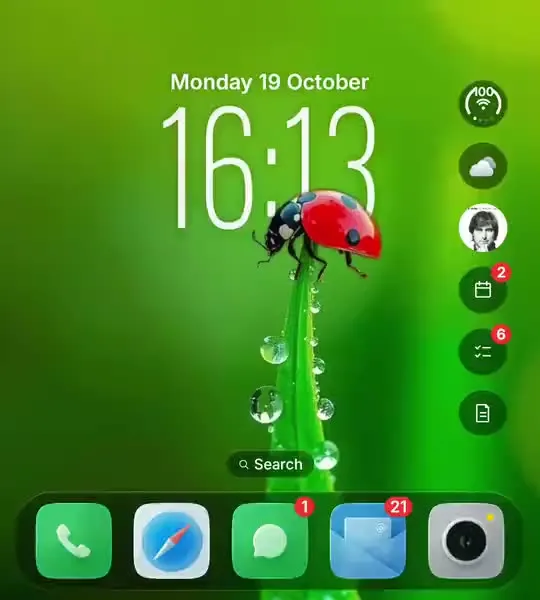
They're for different people. Niagara is for the fewest distractions. Glass OS is for the iPhone look, everything in one Hub and a keyboard that does more.
Yes. Hide the dock and any of the widget bubbles in Settings, Home Screen, and you're left with the clock and the search bar.
Yes. Pick Niagara as your Home app in Android's settings at any time.
Yes. It's made for keyboard phones and works on any Android 13 phone. See it on a touchscreen phone.
Glass OS is built first for keyboard phones, and it works just as well on touchscreen phones.