Join us on Discord
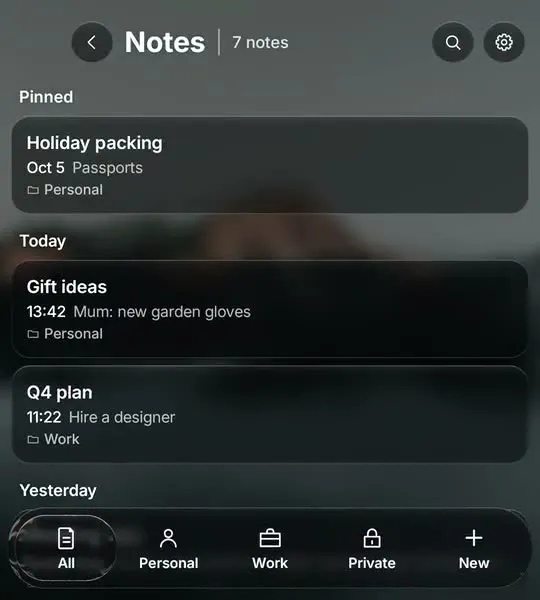
Notes
Long notes on a real keyboard, with folders and bold, lists and headings from a glass bar.
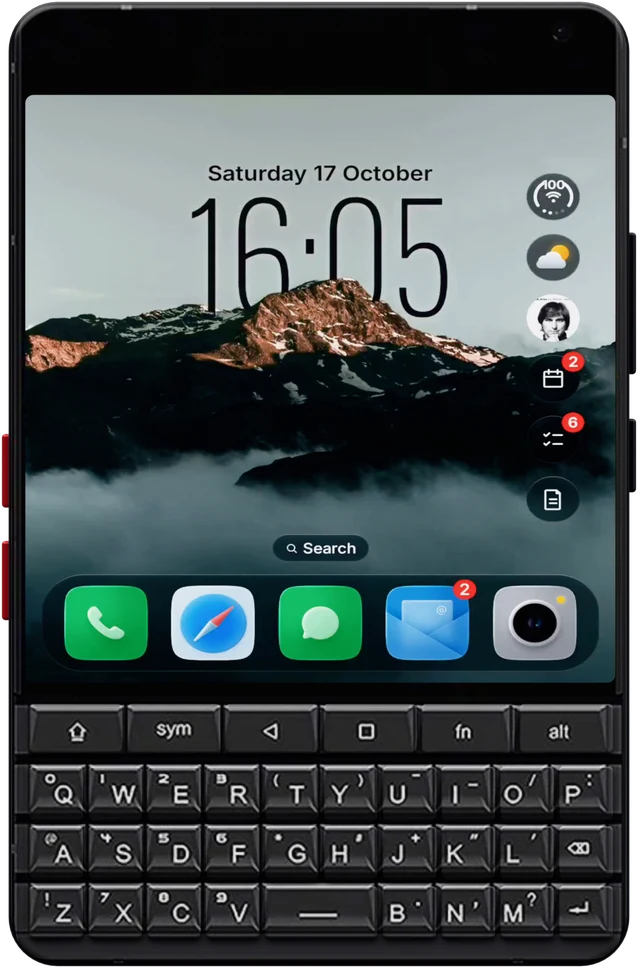
The Clicks Communicator brings a proper keyboard back to Android. Glass OS is a home screen built for exactly that kind of phone: liquid glass to look at, and a keyboard that does everything.
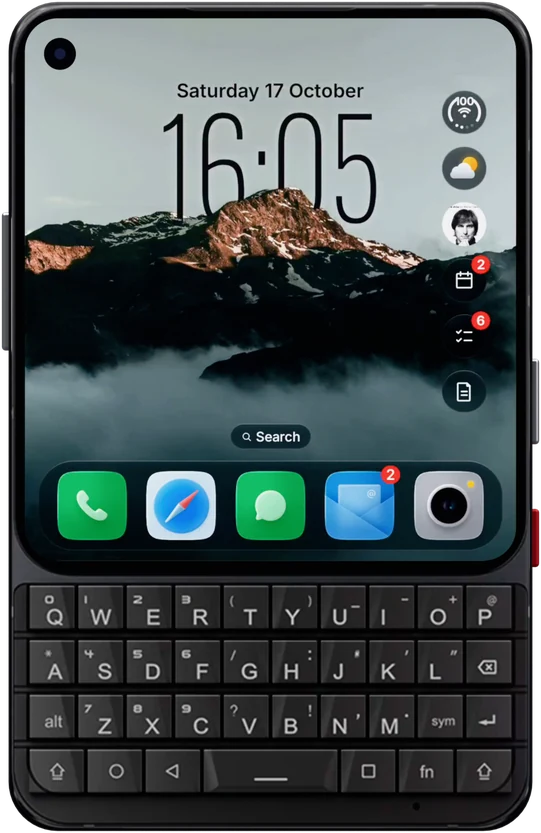
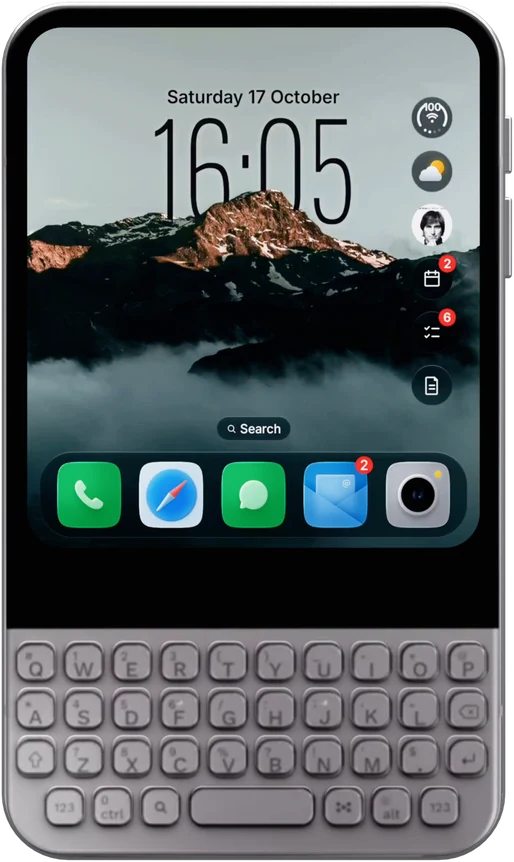
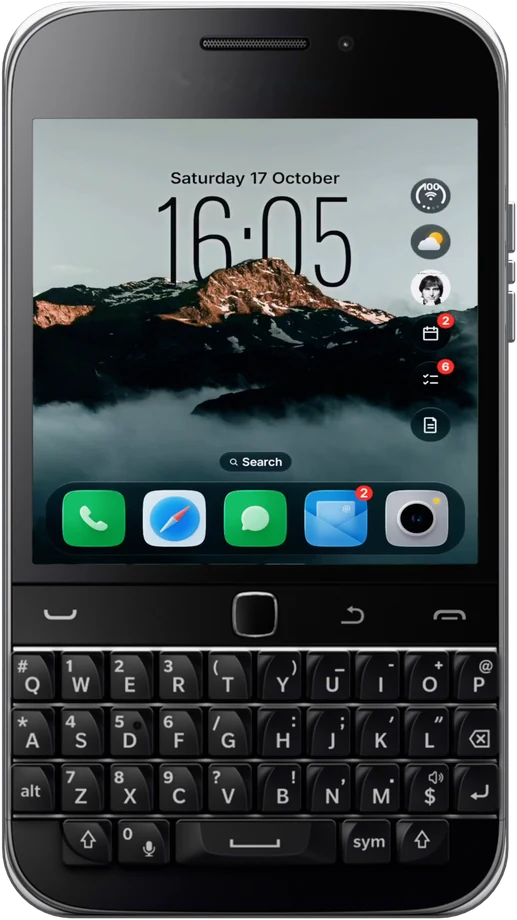
Glass OS is laid out for a near square screen over a keyboard, the same shape as the Clicks Communicator's 4 inch display, rather than a tall touchscreen phone.
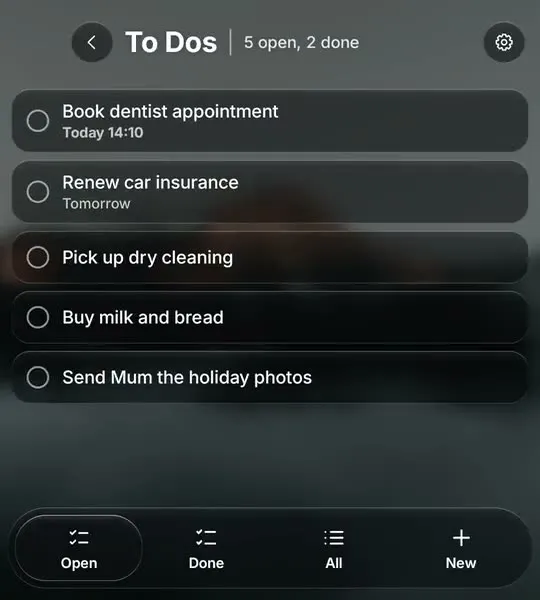
Type an app's name and press Enter to open it. A dash adds a to-do, an exclamation mark a note, a star an event and an @ a message.
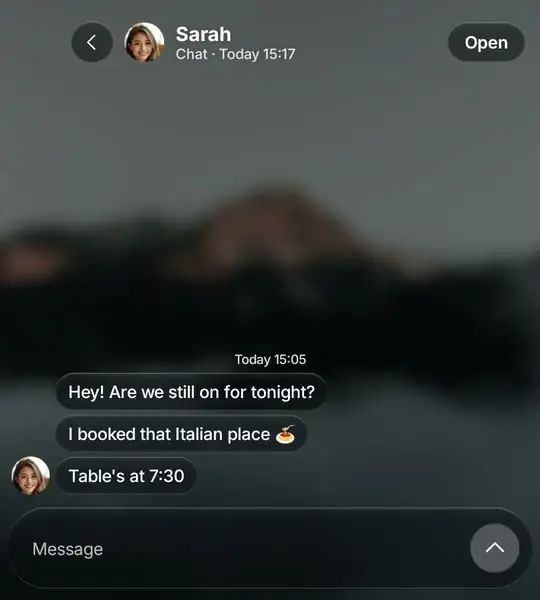
The Hub collects WhatsApp, Messages, email and calls into one list with a floating glass tab bar, and you reply on the keys.
The Clicks Communicator ships with a current version of Android, and Glass OS runs on anything from Android 13 onwards.
The keyboard is the reason to buy a Clicks Communicator, and Glass OS gives it plenty to do. On the Home Screen every key starts a search. Start with a symbol and the same line adds a to-do, a note or an event, so there's no need to open an app for quick things.
Messages are the other half. The Hub collects WhatsApp, Messages, email and the rest into one list you reply to on the keys, a lot like the old BlackBerry Hub. There's more on that on the BlackBerry Hub alternative page.
Until your Clicks Communicator arrives, Glass OS runs on any Android 13 phone, touchscreen phones included, and the same purchase moves across with you.
Details of the phone are on Clicks' site.
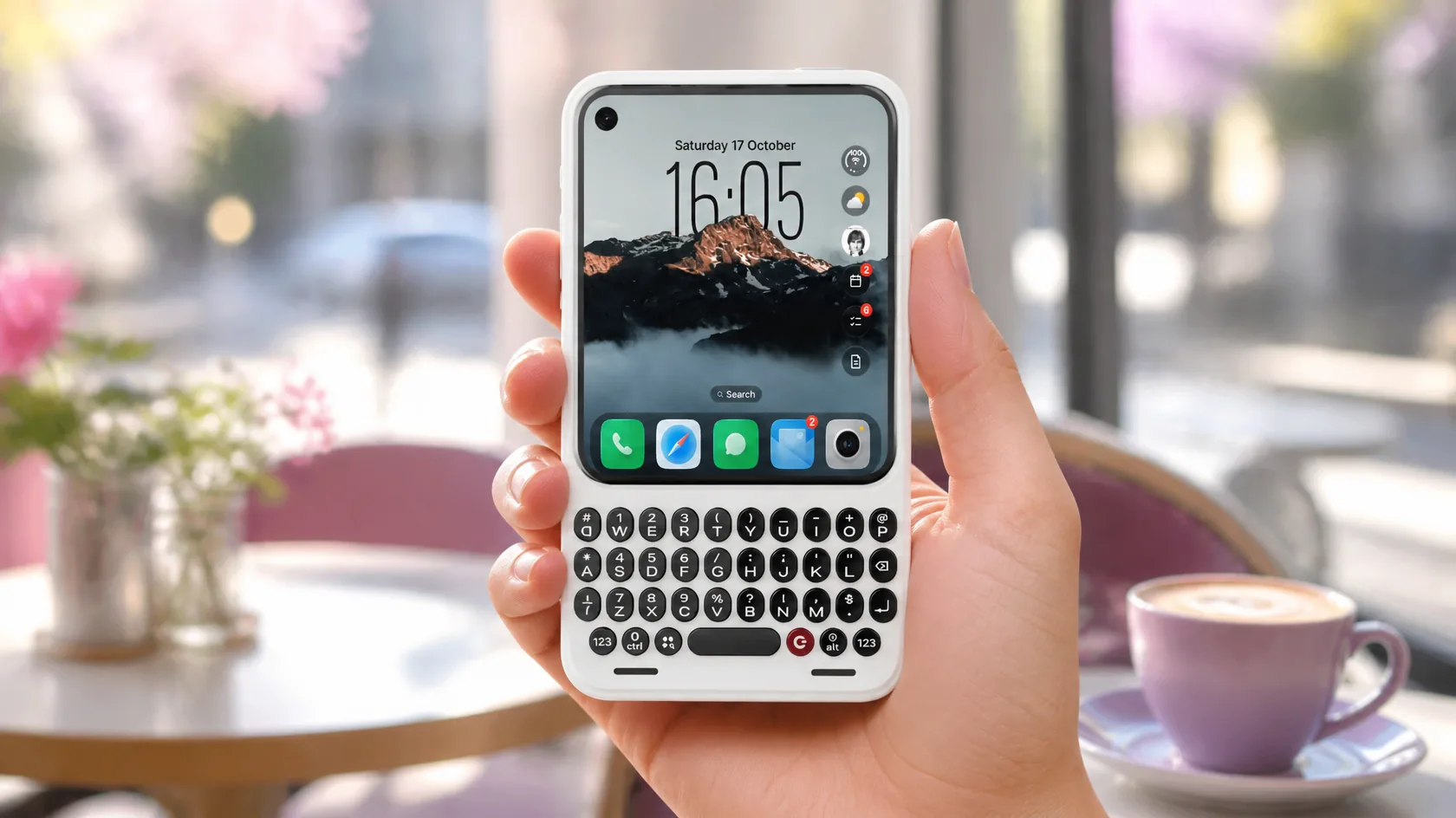
A glass Home Screen that gives the Clicks Communicator something beautiful above its keys.
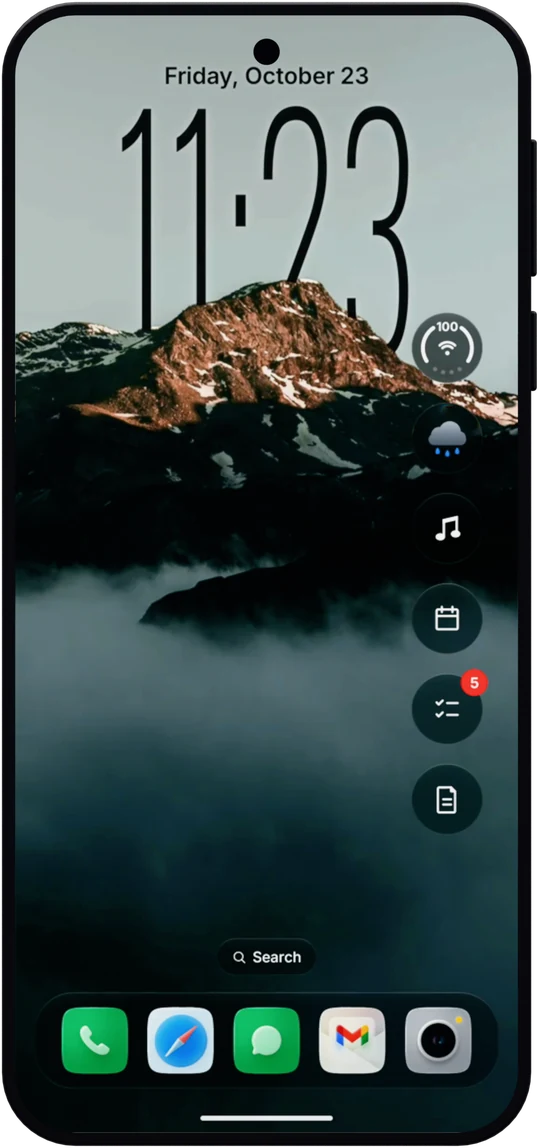
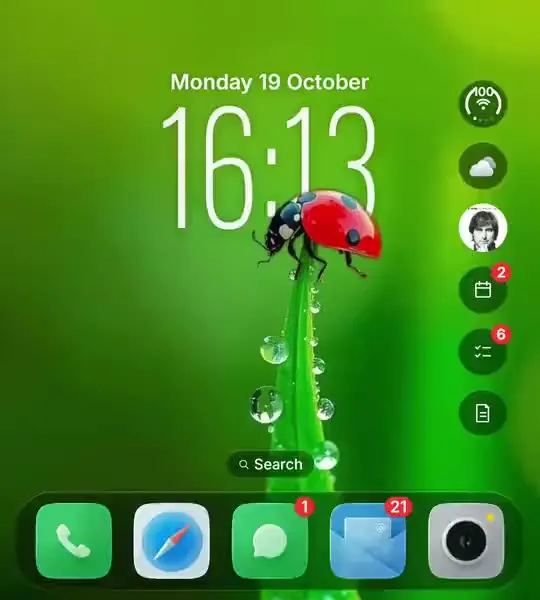
Pick a wallpaper and the time goes behind it, the way the iPhone lock screen does. Use one of the built-in pictures or a photo of your own.
Weather, music, events, to-dos and notes sit in glass bubbles beside the clock. Tap one to open it up for the full detail, then carry on typing.
Group apps into folders, choose your dock, hide what you never use and give the lot a new icon pack.
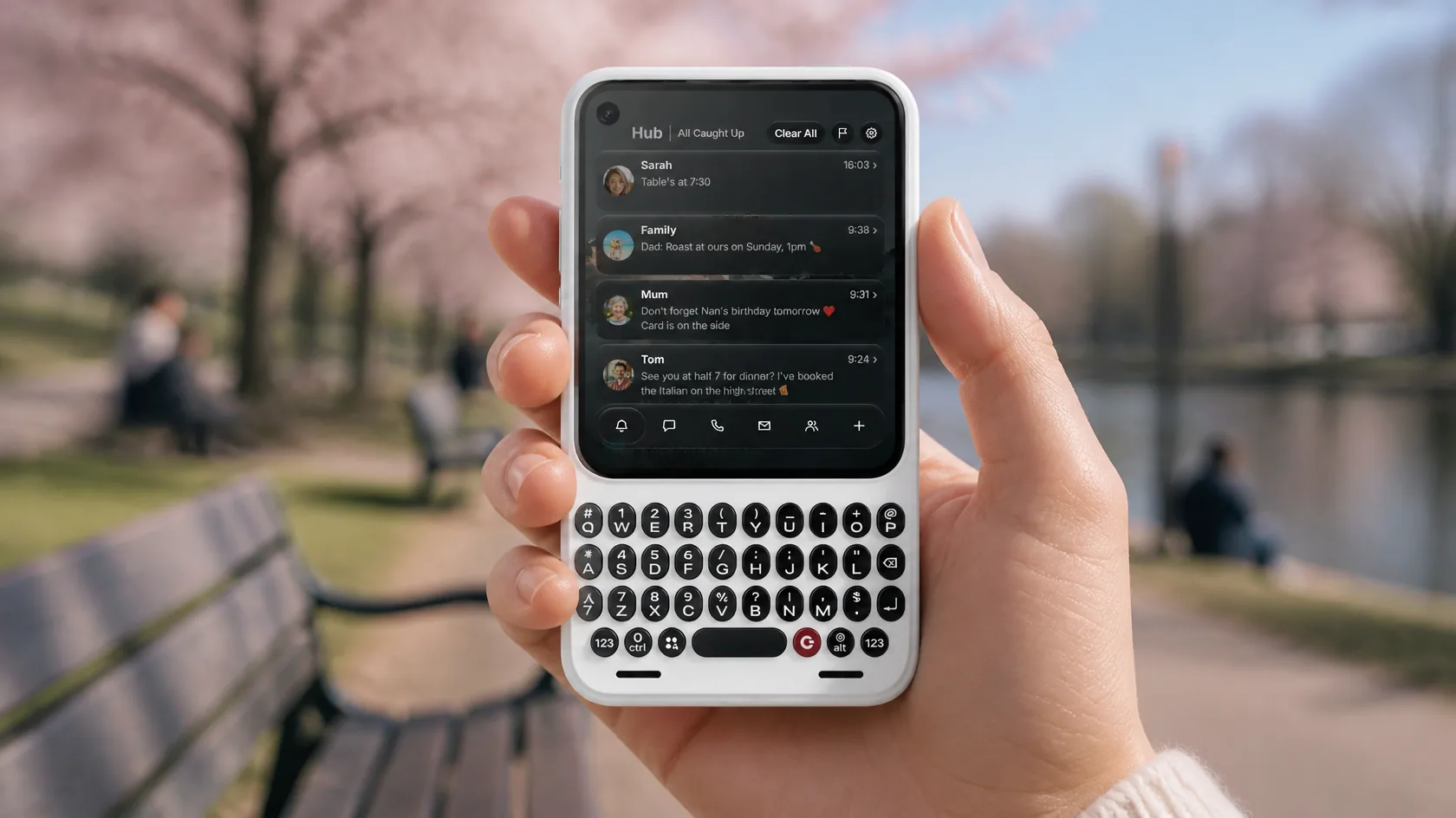
WhatsApp, texts and email meet in one place, which suits a phone built around messaging.
The Clicks Communicator is built for messaging, and the Hub is where messages land. Texts, WhatsApp, email and calls in one list, sorted into tabs, with a picture on every card.
Glass OS draws real liquid glass over your wallpaper. The dock, the cards and the tab bars bend whatever passes under them, which is a lot of colour for a phone that's half keyboard.
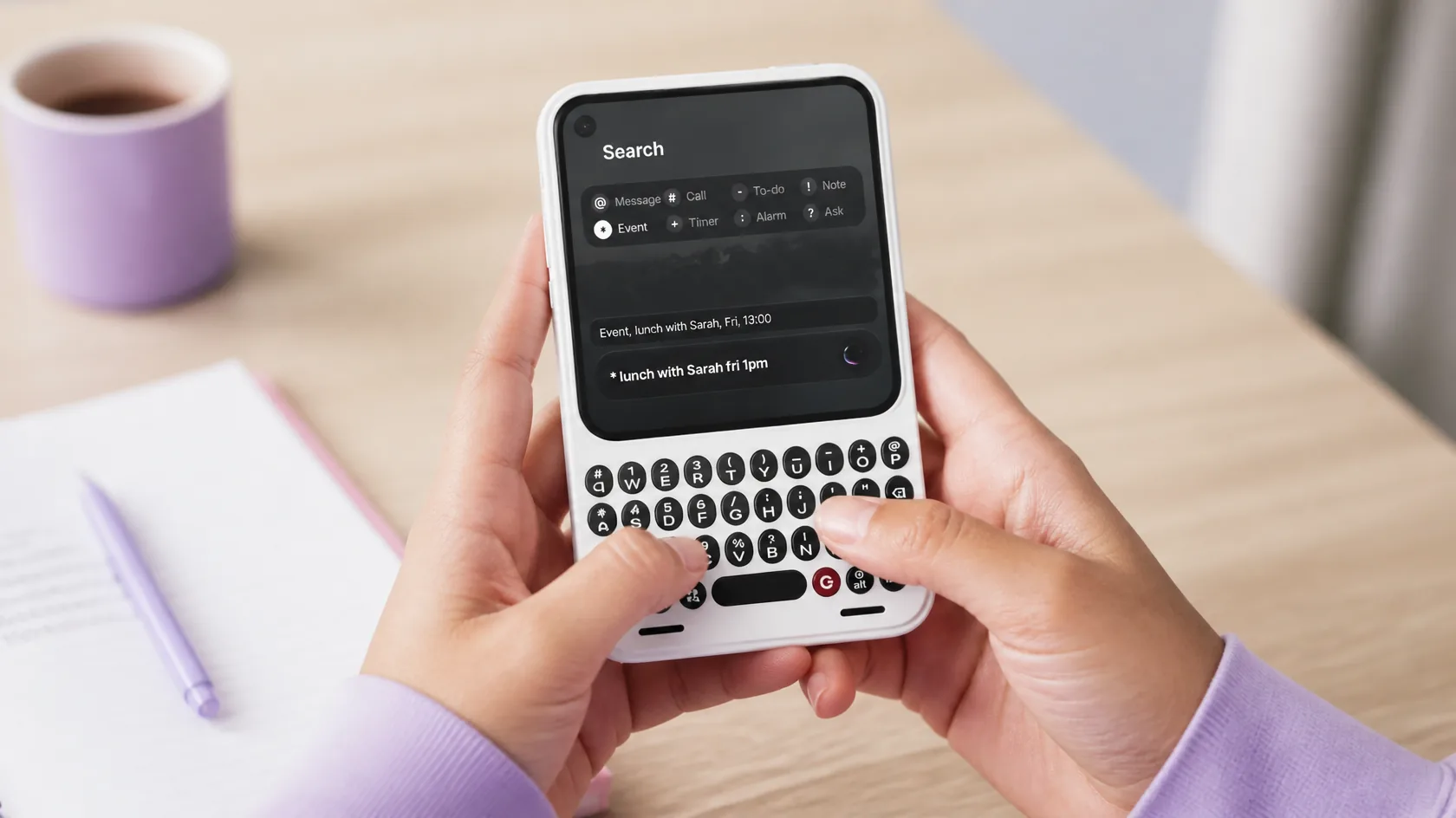
Every press of a Clicks key starts a search, a note or a timer from the Home Screen.
Every key on the Clicks Communicator starts a search on the Home Screen. Type a name and press Enter to open the app, or start with a symbol to set a timer, an alarm, a to-do or a note.
Three apps made for typing, which is what the Clicks Communicator is for. See every feature on the Glass OS home page.
Long notes on a real keyboard, with folders and bold, lists and headings from a glass bar.
A quick list for the day, added to from the Home Screen in a few keystrokes.
The calendars already on your phone, in a month or a list.
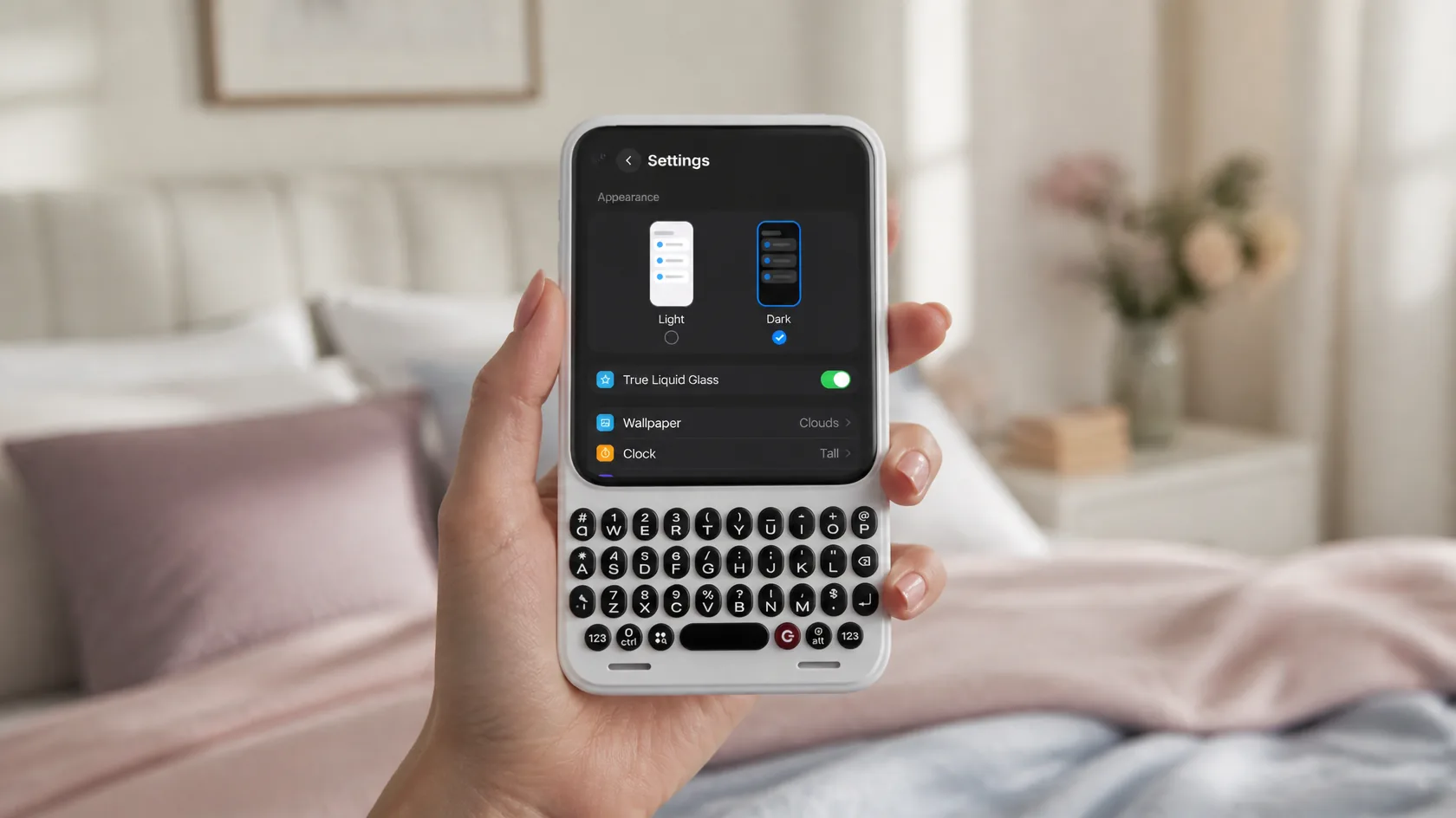
Set the Clicks Communicator up in a few taps, from the wallpaper to every icon.
Everything you'd want to change on the Clicks Communicator sits on one page: dark or light, true or classic glass, the wallpaper, the clock and your icons. No menus inside menus.
Glass OS works with icon packs from the Play Store, so the Clicks Communicator can look minimal, colourful or anything in between. Swap a single icon by holding it.
£4.99
One-off, with free updates. Runs on the Clicks Communicator and any Android 13 phone.
Buy on Play StoreGlass OS runs on any Android phone from Android 13, and the Clicks Communicator is well past that. It's built for keyboard phones like it.
Yes, that's the main idea. On the Home Screen you just start typing, and Glass OS searches your apps and lets you add notes, to-dos and events in one line.
No. One purchase covers every phone you own, so you can use it now on your current Android phone and move it across later.
£4.99 once, with free updates. There's no subscription and no account.
Glass OS isn't only for the Clicks Communicator. It runs on every Android 13 phone with a keyboard, and on touchscreen phones too.