Join us on Discord
Notes
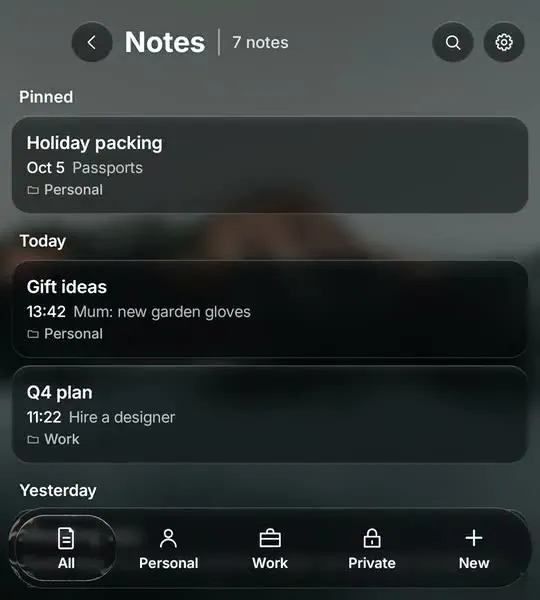
Notes with folders and a Private folder behind your fingerprint.
BlackBerry stopped supporting its Android apps in 2022, and nothing replaced the Hub. Glass OS brings it back: every message in one list, sorted into tabs, with a reply box you type into on the keys.
The Hub was the best thing about BlackBerry 10: one inbox for texts, email, BBM and social, a swipe away from wherever you were. BlackBerry carried a version of it over to its Android phones, then wound down its consumer services in 2022 and its Android apps with them.
Keyboard phones are back, with the Unihertz Titan 2, the Zinwa Q25 and the Clicks Communicator, but Android still spreads your messages across a dozen apps. Glass OS pulls them back into one Hub on the phone itself, with no account and no server in between.
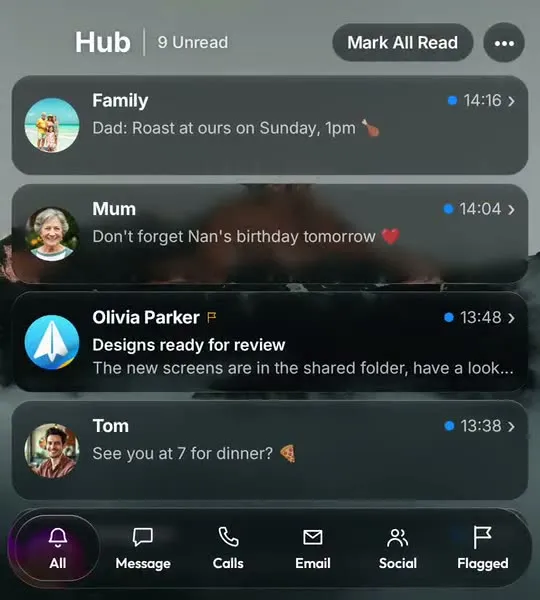
WhatsApp, Messages, email, calls and social apps land in one list, newest first, with the sender's picture on every card.
A floating glass tab bar sorts everything into All, Message, Calls, Email, Social and Flagged.
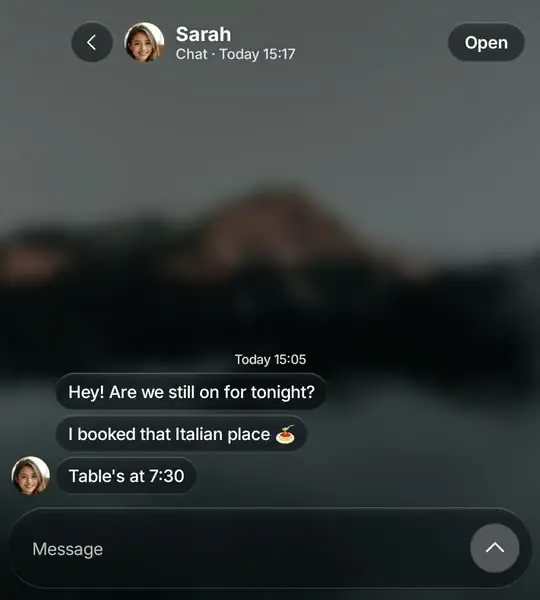
Tap a conversation to read the whole thread, type your answer on the keys and press Enter. It sends through the app it came from.
Swipe a card to flag it for later or clear it. Flagged messages wait in their own tab.
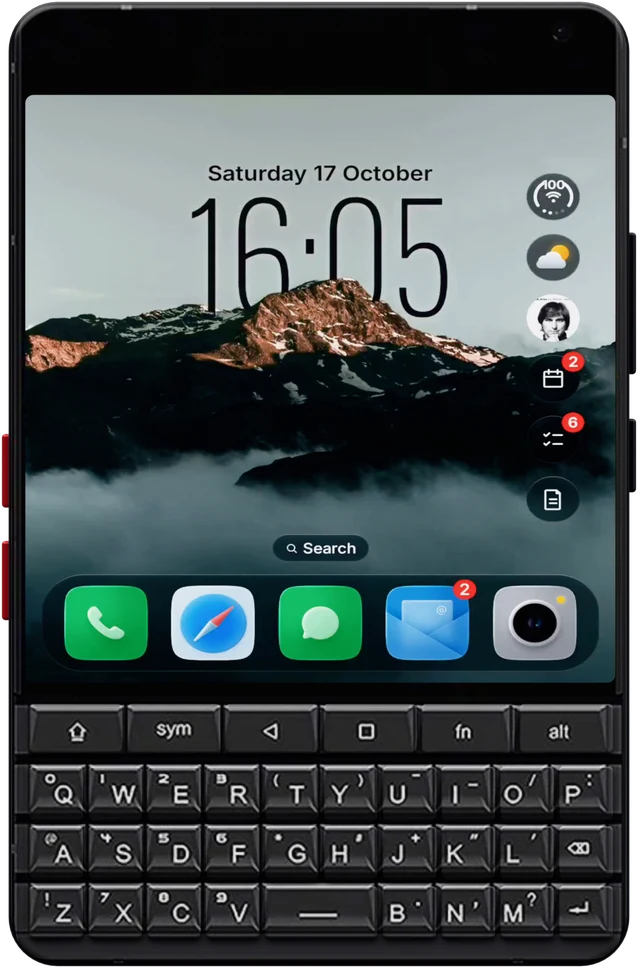
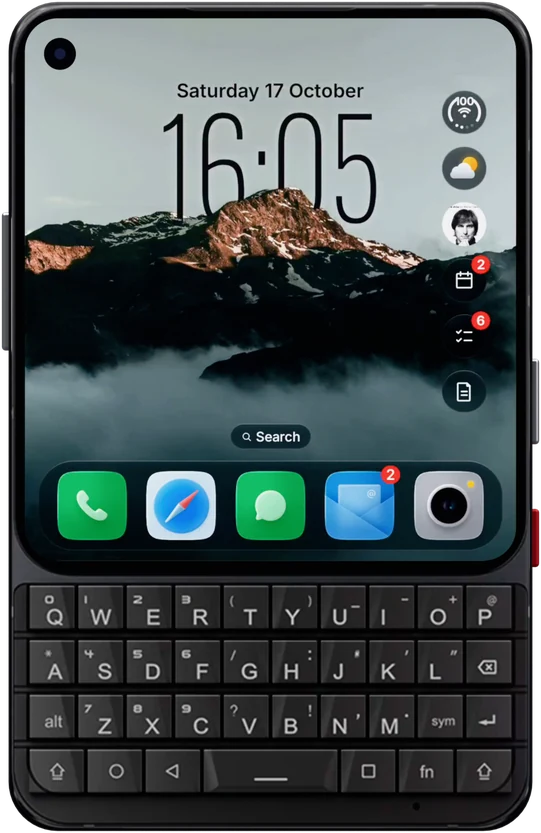
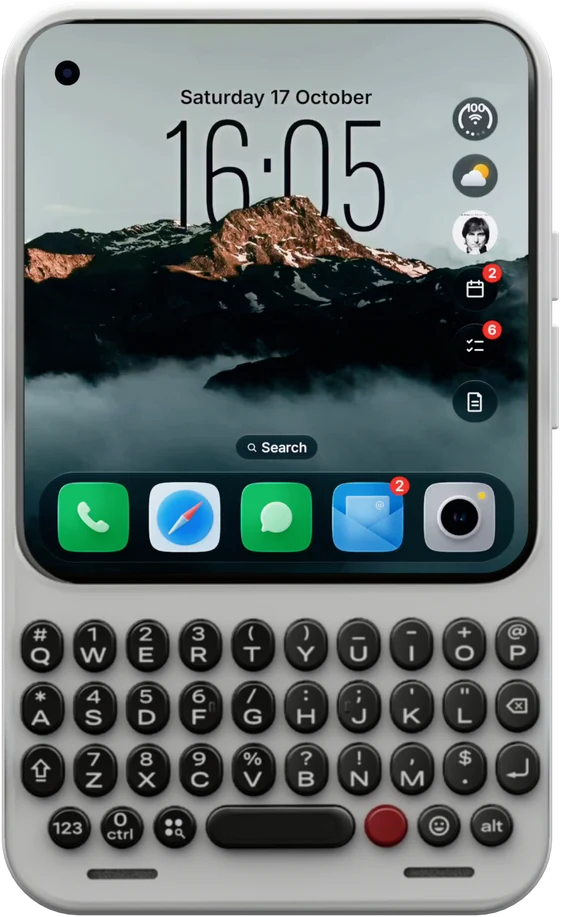
On the Home Screen, type an app's name to open it, or start with a symbol to add a to-do, a note, an event, a message or a call.
The Hub sits one swipe from the Home Screen, where BlackBerry users expect it.
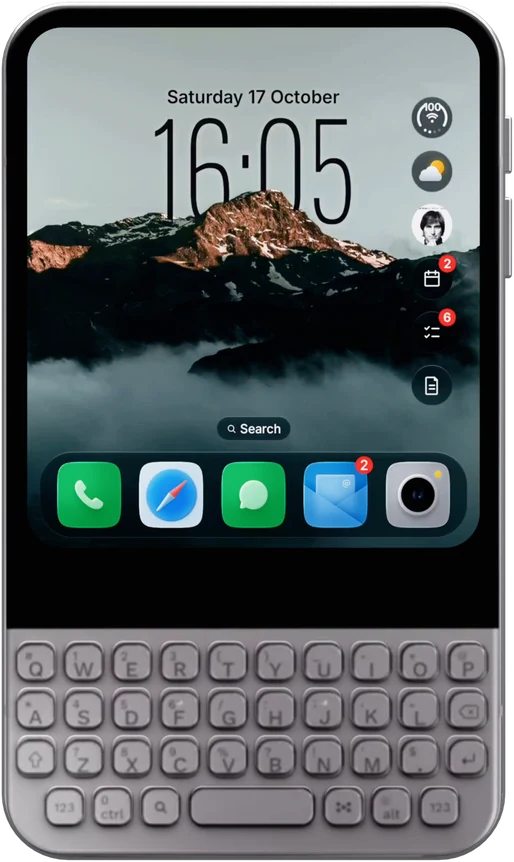
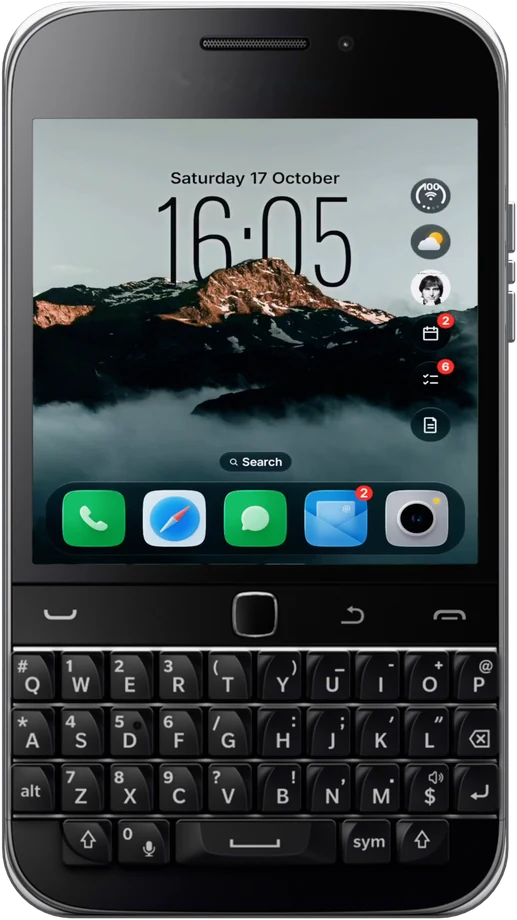
Built for the Unihertz Titan 2, the Zinwa Q25 and every Android phone with a keyboard. It works on touchscreen phones too.
No account and no cloud. The Hub reads your notifications on the phone and keeps them there.
WhatsApp, Messages, Gmail, calls and social apps all post into the Hub, newest first. Tabs sort them the way the BlackBerry Hub did, and Flagged keeps the ones you need to come back to.
Open a thread to see the whole conversation in glass bubbles. Type on your keyboard, press Enter, and it sends through the app it came from.
On the Home Screen, type @ and a name to start a message, or # and a name to make a call. No hunting for the right app first.
The Hub's cards and tab bar are liquid glass that bends what's behind them. It looks nothing like BlackBerry 10, but everything is where you'd reach for it.
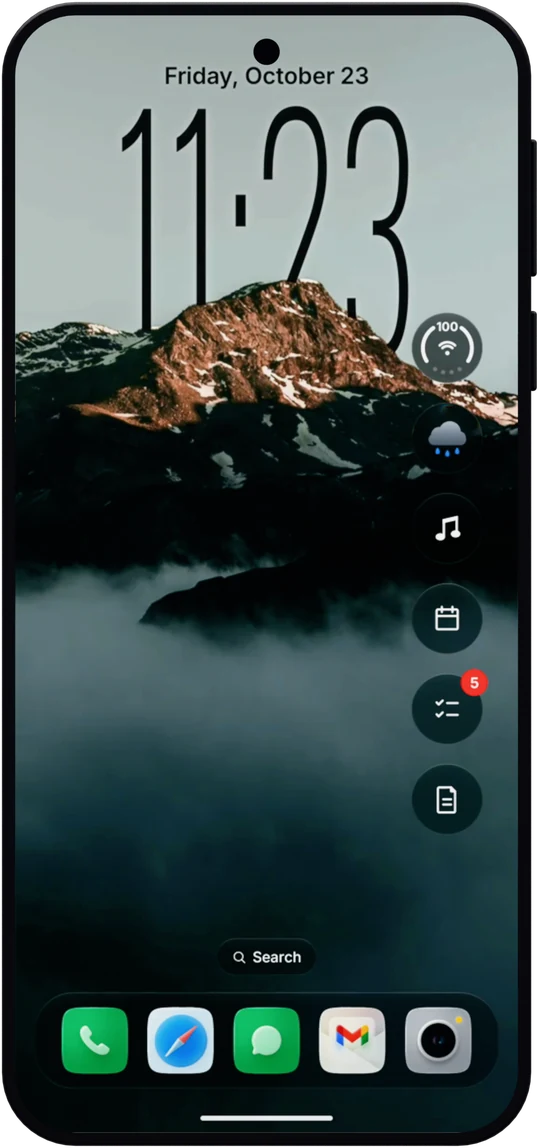
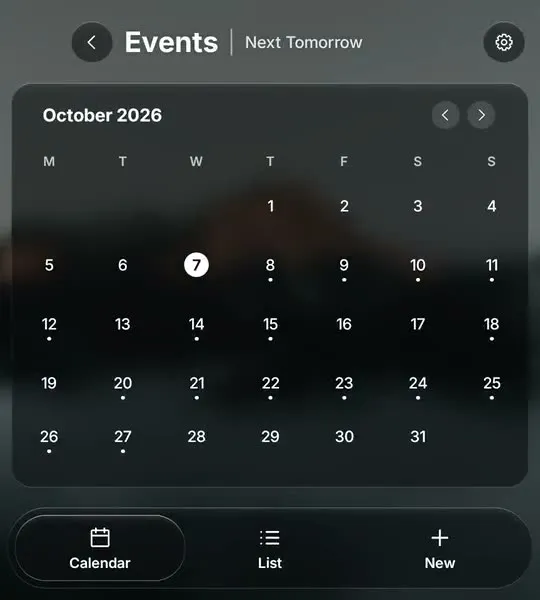
BlackBerry put your calendar next to your messages. Glass OS keeps events, to-dos and notes in bubbles on the Home Screen, a tap away from the Hub.
Pick which apps the Hub collects, switch between light and dark glass, and set it all up from one Settings page. Nothing leaves the phone.
Notes, tasks and a calendar sat next to the Hub on BlackBerry 10. In Glass OS they're built in too. See every feature on the Glass OS home page.
Notes with folders and a Private folder behind your fingerprint.
Tasks you add by typing a dash on the Home Screen.
A calendar from the accounts already on your phone.
No. Glass OS is made by illuminati Apps and isn't connected to BlackBerry. The Hub in Glass OS is built for the same way of working.
Any app that sends notifications: WhatsApp, Messages, Gmail and other email apps, phone calls, Instagram and the rest. You choose which apps it collects in its settings.
Yes, for apps that let you reply from a notification, like WhatsApp and Messages. Type on the keys and press Enter.
Chats and messages stay in the Hub for 30 days, kept on your phone.
Yes. The Zinwa Q25 runs Android 13, which is what Glass OS needs. See the Zinwa Q25 page.
The Hub works best with a keyboard under your thumbs, and it runs on touchscreen phones as well.