Join us on Discord
Notes
Keep Private notes behind your fingerprint, and sort the rest into Personal and Work.
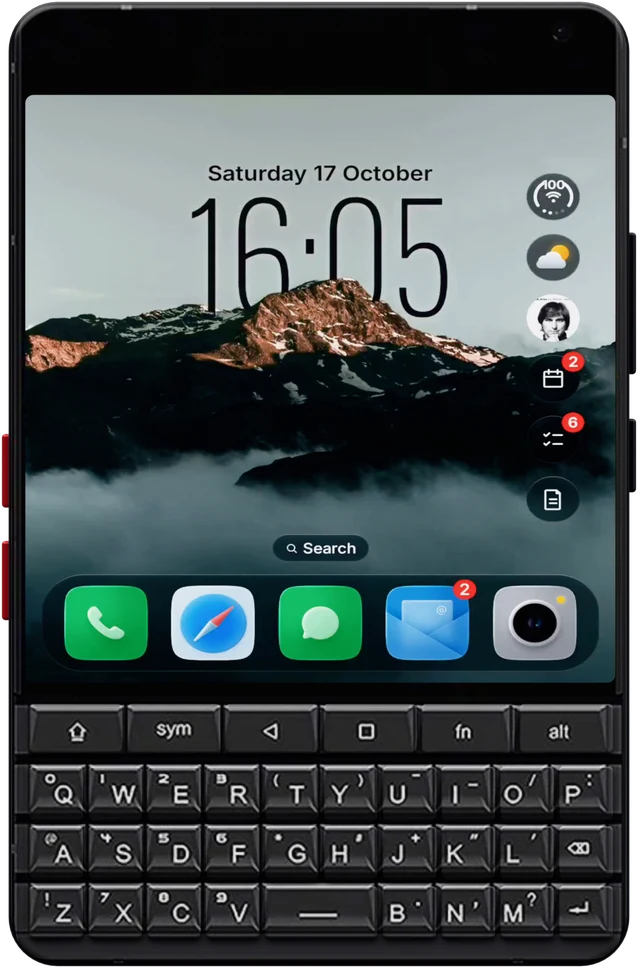
Glass OS is built on a Titan 2 Elite. It's the phone it's tested on every day, so every screen is laid out for the Elite's 4 inch display, its camera and its keys.
The Elite's front camera sits in the top left corner of the screen. Glass OS keeps that corner clear on every screen, from the Home Screen to Settings and the Hub.
The clock, the widget bubbles and the app pages are all sized for the Elite's nearly square screen, so nothing is cut off or squeezed.
Type an app's name to open it, or start with a symbol to add a to-do, a note, an event, a message or a call.
The Elite's keys are touch sensitive. Glass OS ignores a thumb resting there, so you never tap the screen while typing.
The Elite is the phone Glass OS is made on, so it's where every feature is tried first. The Hub, the widget bubbles, the key shortcuts and the glass tab bars were all tuned on its 4 inch screen before going anywhere else.
Compared with the stock launcher, the big change is that the keyboard becomes the way into everything. Type an app's name and press Enter. Type @ and a name to message someone, or # to call them. A plus sets a timer and a colon sets an alarm.
Moving from the bigger Titan 2? Make a backup in Glass OS and restore it during setup on the Elite, and your notes, to-dos and layout come across.
Full specs for the phone are on Unihertz's site.
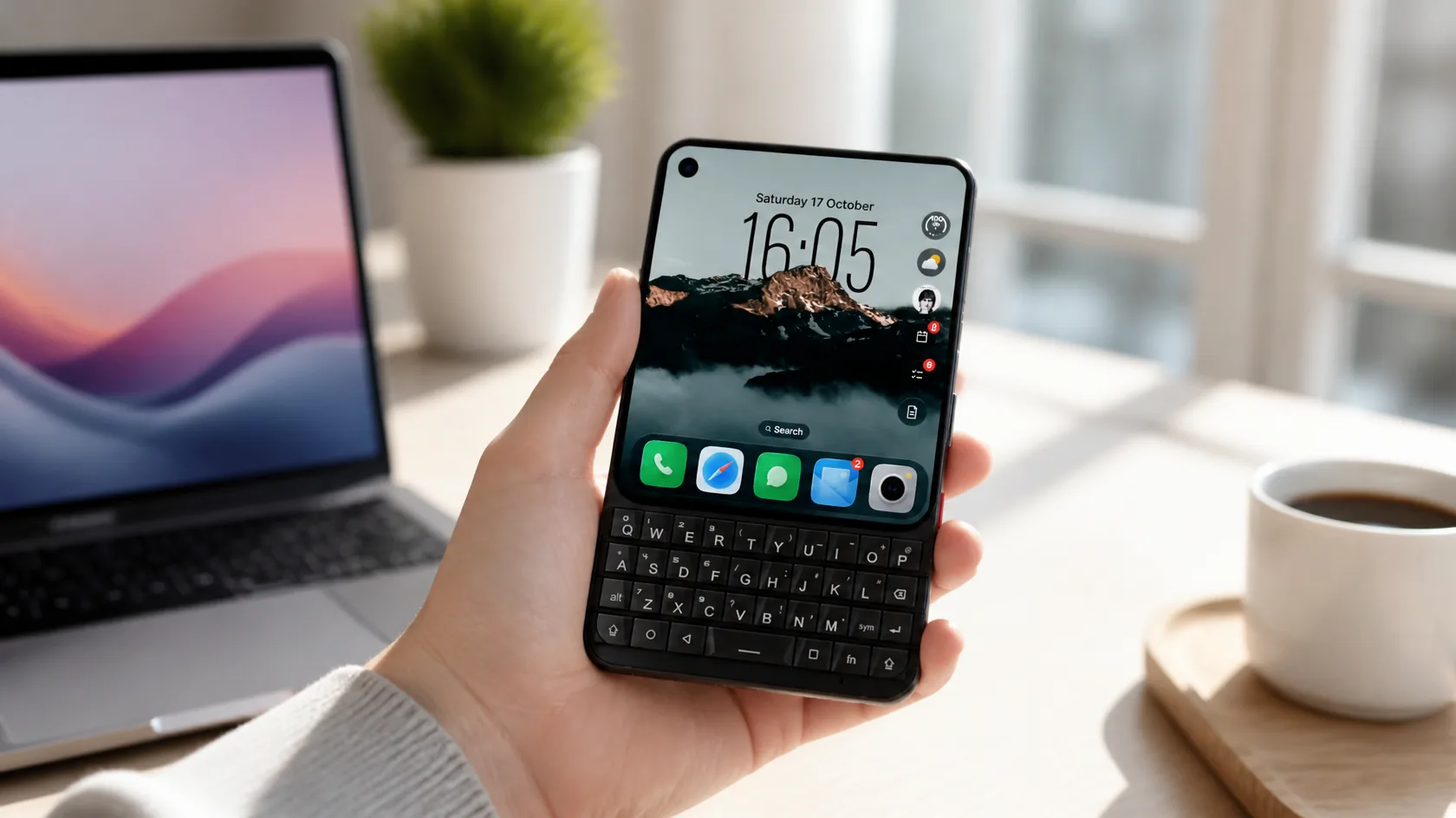
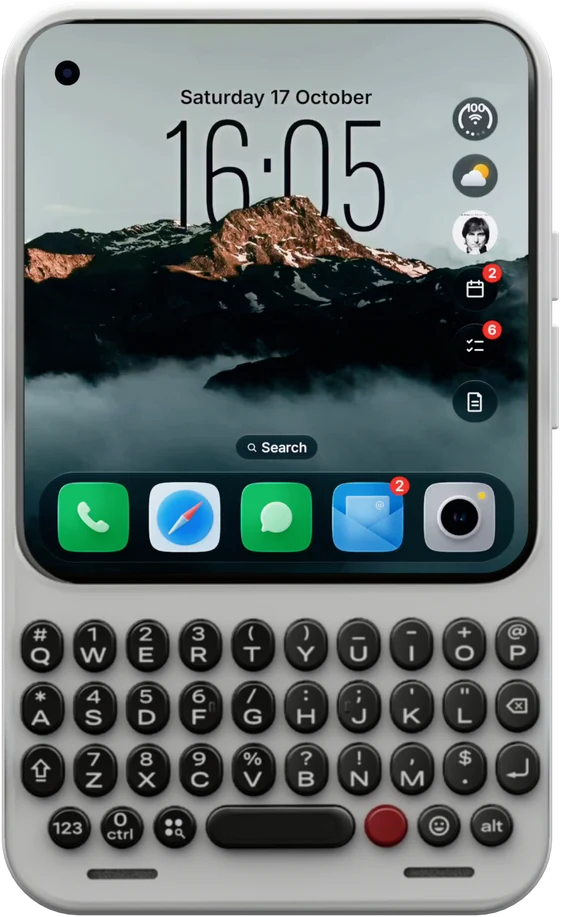
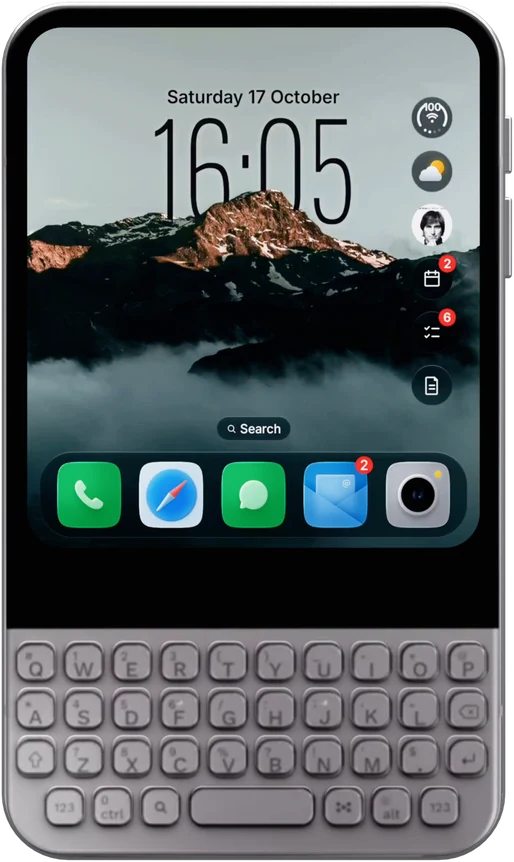
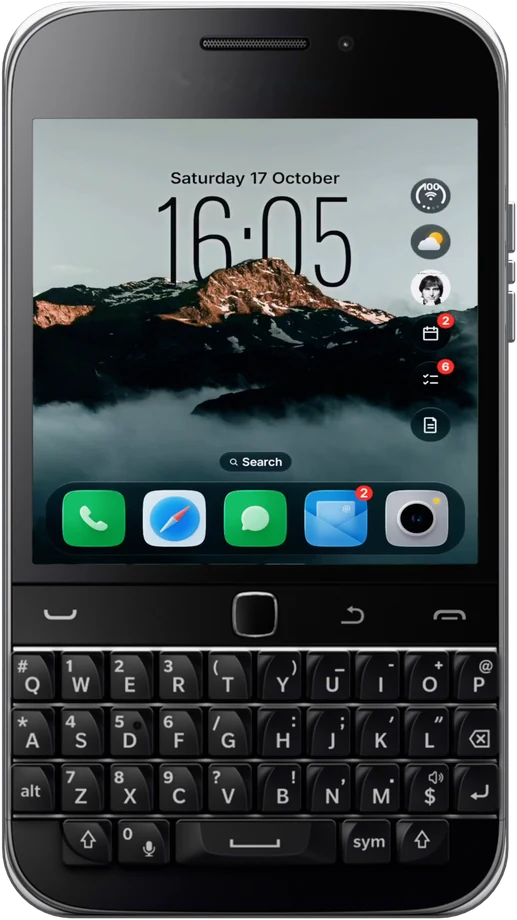
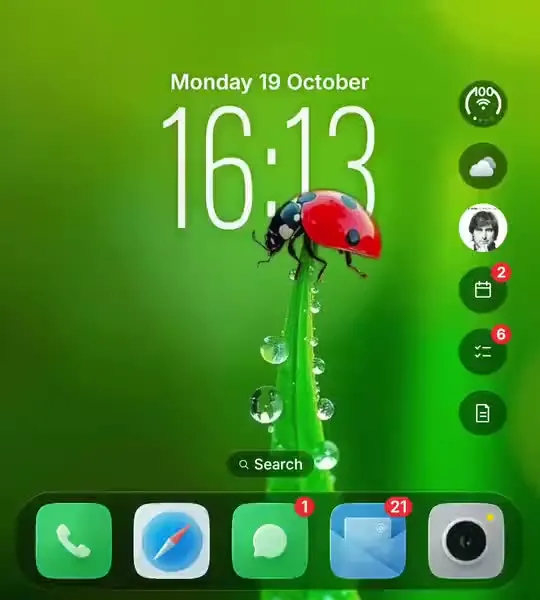
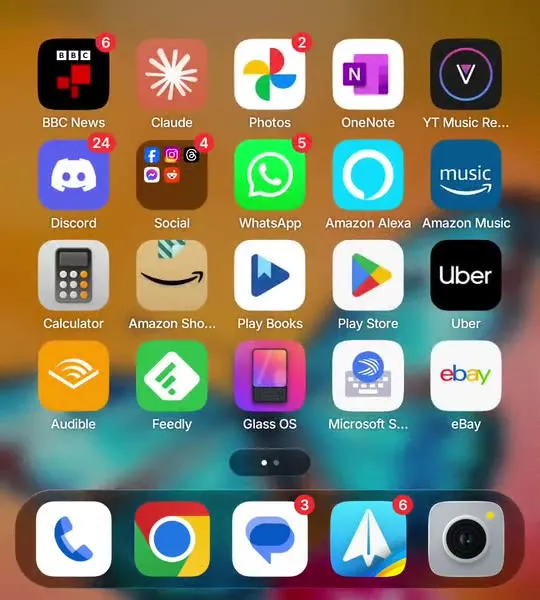
The Elite's Home Screen, with your wallpaper wrapped round the clock and your day down the side.
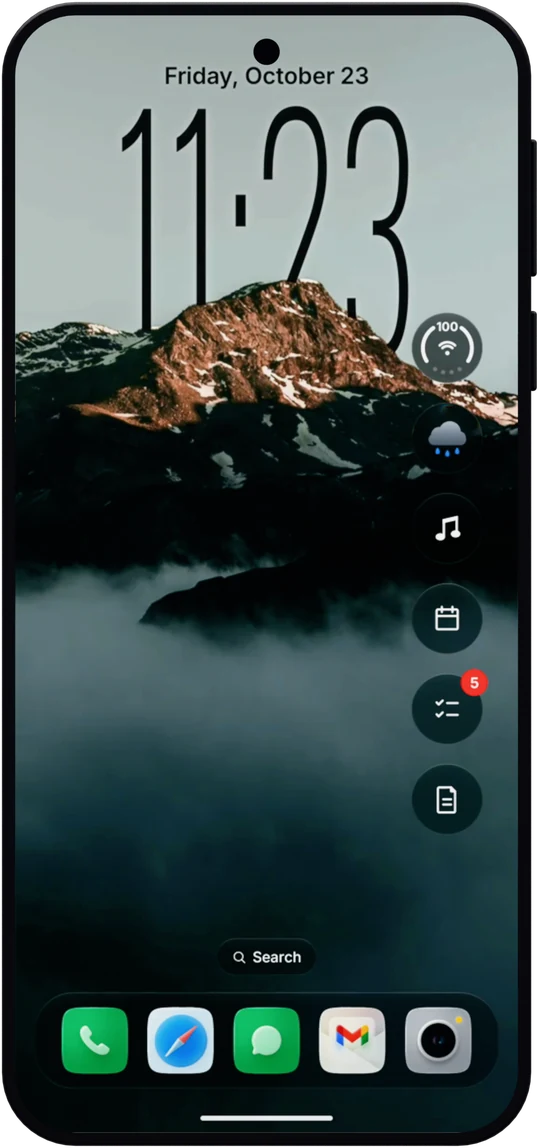
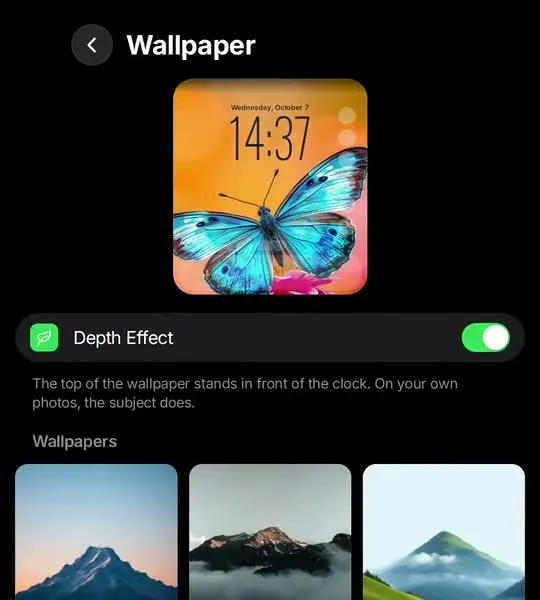
The clock sits behind the peak of a mountain or the wings of a butterfly. Glass OS finds the subject of your own photos too, and lines it up with the time on the Elite's screen.
The right edge of the Elite's Home Screen holds glass bubbles for the weather, music, events, to-dos and notes. Tap one and it grows into a full widget. Tap away and it shrinks back.
Icons, folders that open out of themselves, red badges and a glass dock, laid out for the Elite's nearly square screen. Swap in any icon pack, or pick a different icon for one app.
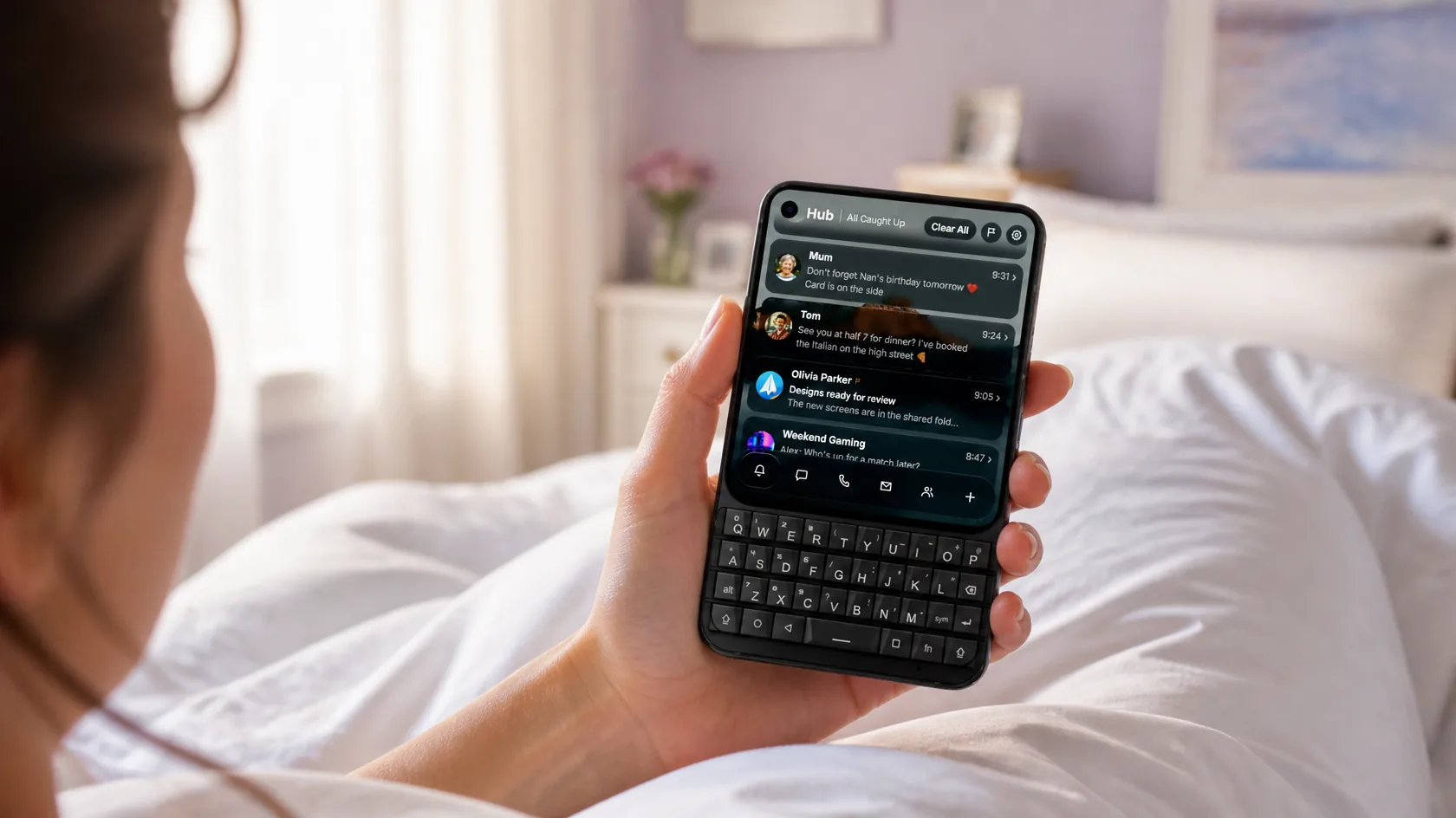
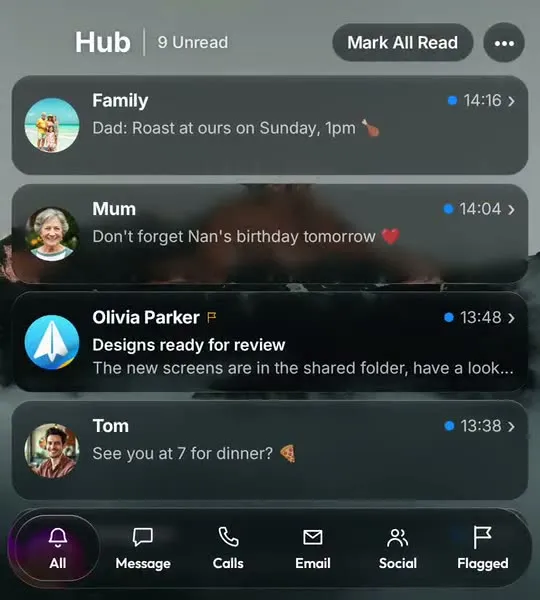
Messages from every app stack up just above the Elite's keyboard, ready for a reply.
Swipe right for WhatsApp, Messages, email and calls in one list. The glass tab bar sits at the foot of the Elite's screen, just above the keyboard, so your thumbs barely move.
Every pane in Glass OS was tuned on an Elite's AMOLED screen, where the smoky dark glass looks its best against deep blacks. Prefer something plainer? Classic glass is one switch away.
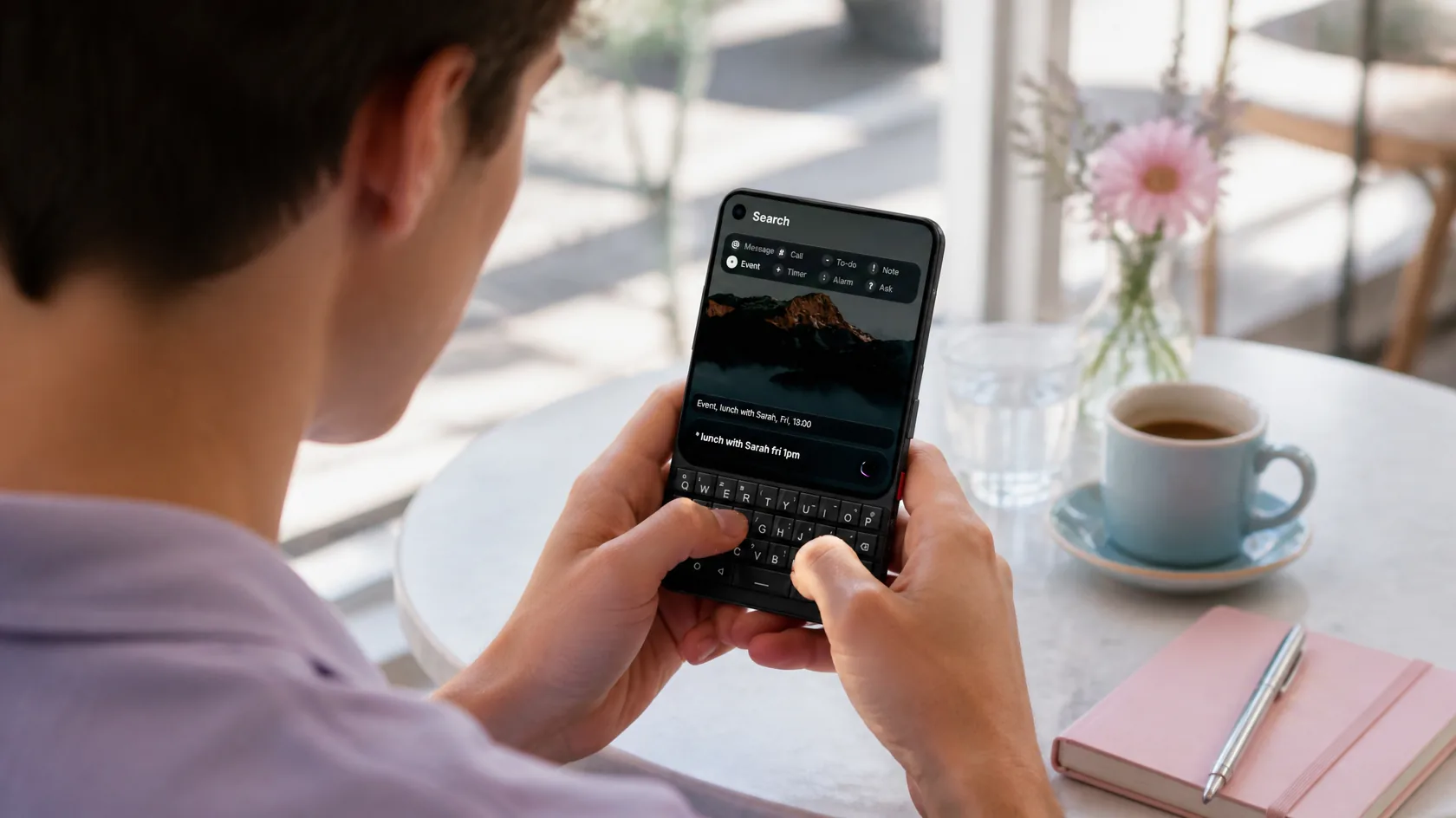
On the Elite the keyboard is the search bar, for apps, notes, to-dos and events.
On the Elite the Home Screen listens to the keys. Type a few letters to open an app, or start with @ to message, # to call, a dash for a to-do or a star for an event.
Notes, To-do and Events are part of Glass OS on the Elite, so there's nothing else to install. See every feature on the Glass OS home page.
Keep Private notes behind your fingerprint, and sort the rest into Personal and Work.
See what's open and what's done, and add new ones without leaving the Home Screen.
A month view that fills the Elite's screen, with each calendar in its own colour.
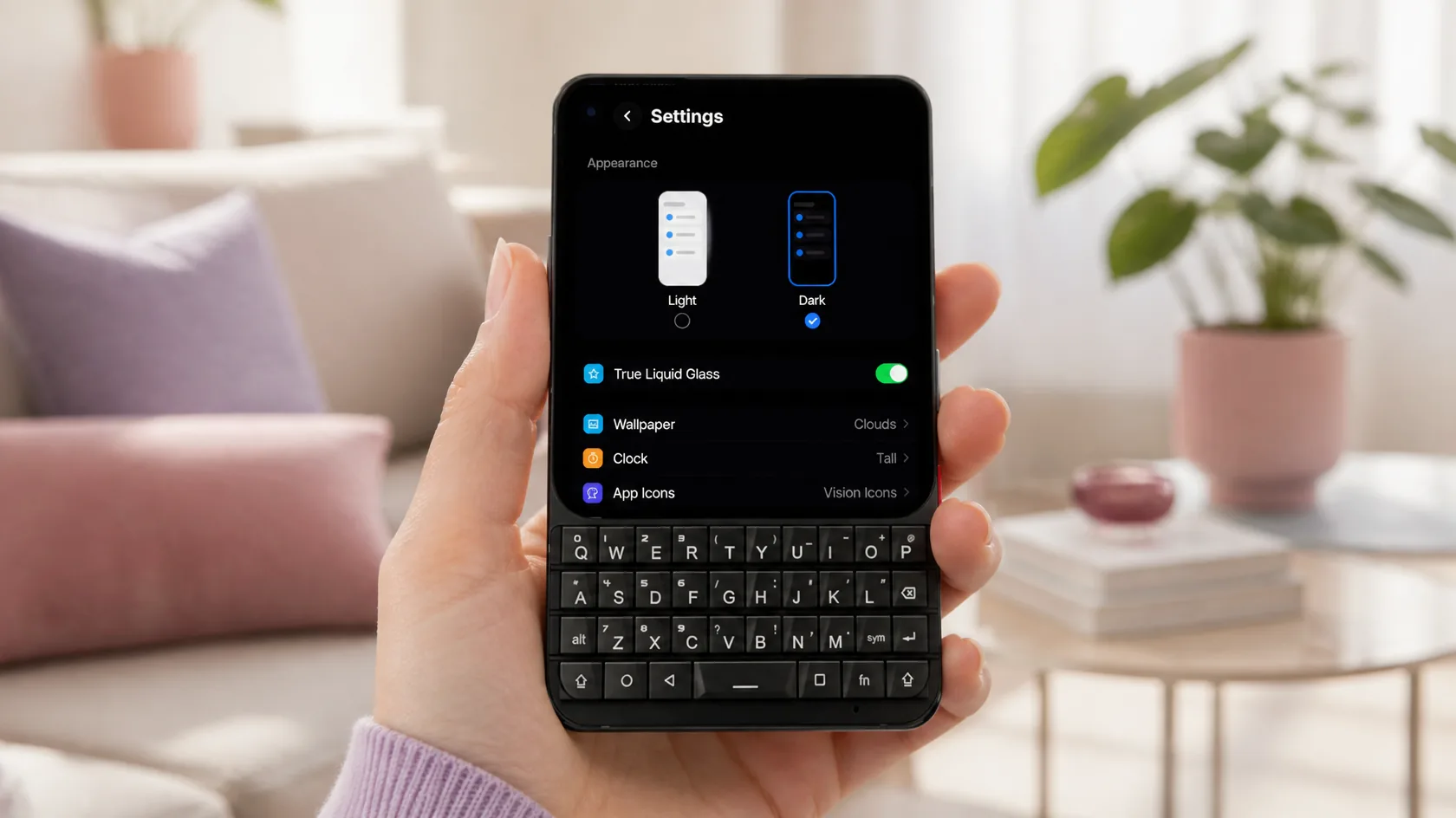
Dark or light, glass or classic, and any icon pack you like on the Elite.
The Elite's settings are grouped the iPhone way: appearance first, then wallpaper, clock and icons, then language and time. Every switch takes effect the moment you flip it.
Pick an icon pack and every app on the Elite follows. Packs like Vision Icons were made for the glass look, but anything from the Play Store works, one app at a time if you prefer.
£4.99
One-off, with free updates. Runs on the Titan 2 Elite and any Android 13 phone.
Buy on Play StoreGlass OS is made on one, so it's laid out for the Elite's screen, camera and keyboard. Launchers made for tall phones don't use the keys at all.
Yes. The Pro has the same screen and keyboard, so it looks and works the same.
Yes. Make a backup in Keyboard Launcher Pro and choose Restore From Backup when Glass OS sets up. Your notes, to-dos and settings come across.
Yes. Any icon pack from the Play Store works, and you can change the icon of a single app or use one of your own photos.
Glass OS isn't only for the Titan 2 Elite. It runs on every Android 13 phone with a keyboard, and on touchscreen phones too.